
Property Data Features
There are many features that you can use in the Datafiniti's portal to get the data you need. We have many features tailored to each data type. This guide will explore the property data features you can utilized to find the data you need.
Basic Search Features
When you are brought to the property data page normally, you will be presented with 3 main fields to perform basic search functions.
- Address
- Property Type
- Most Recent Status
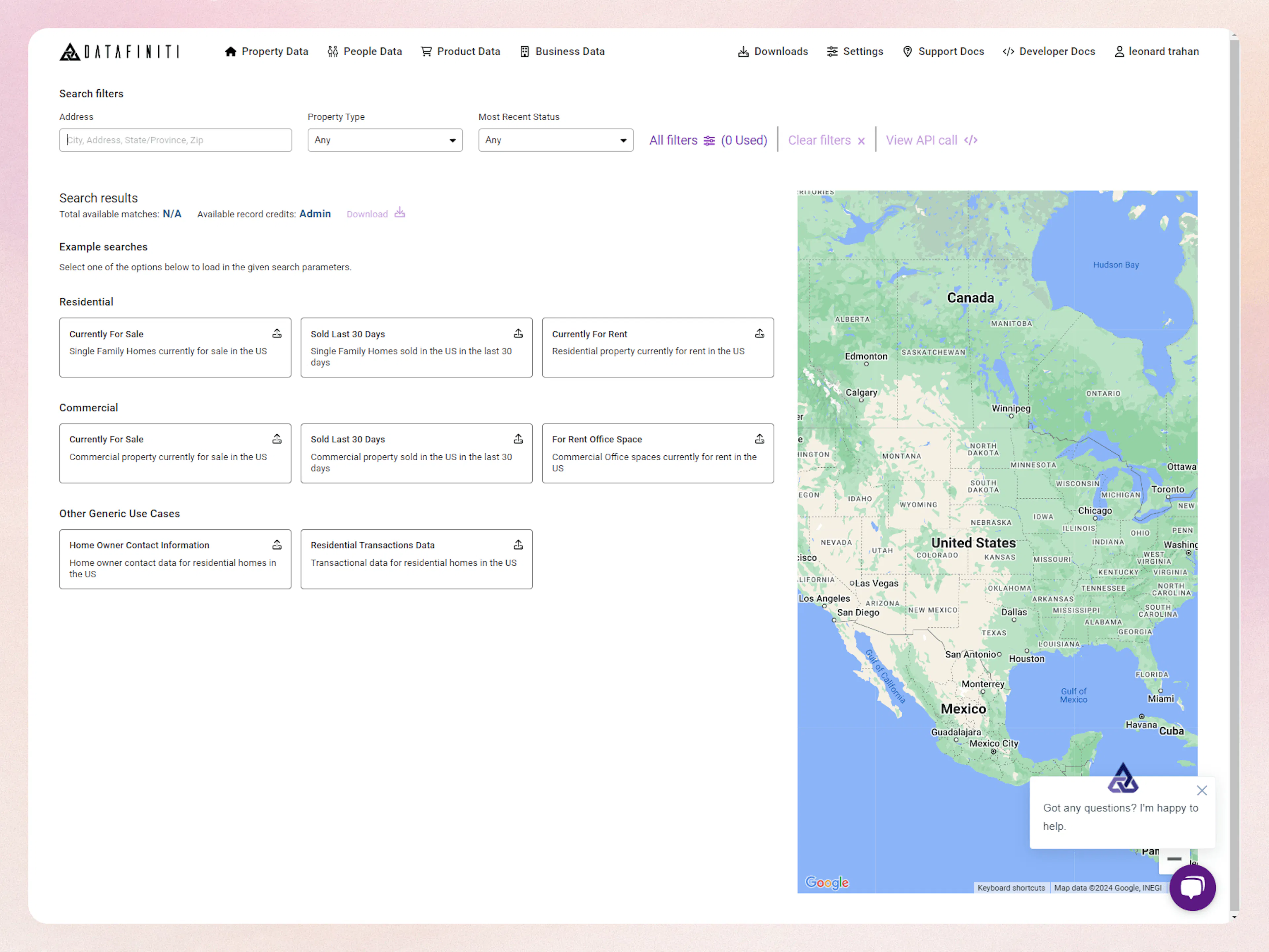
The address field allow you to attempt a quick search of a full street address, city, state, or postal code. While you type in any of these values Datafiniti will attempt to match it with the property data it has.
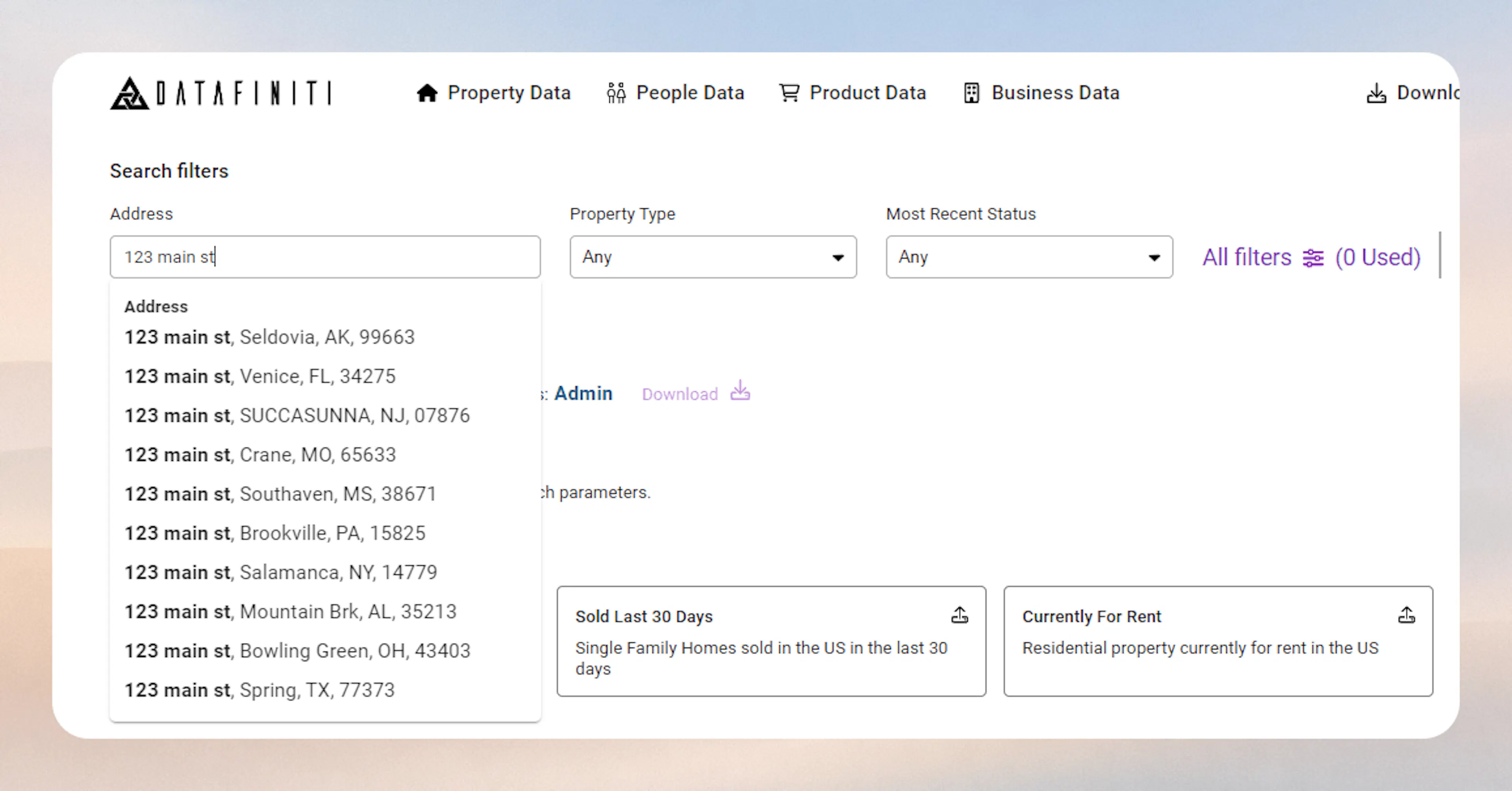
The list generate is based on the text provided. Datafiniti will attempt to autocomplete the rest of any string entered.
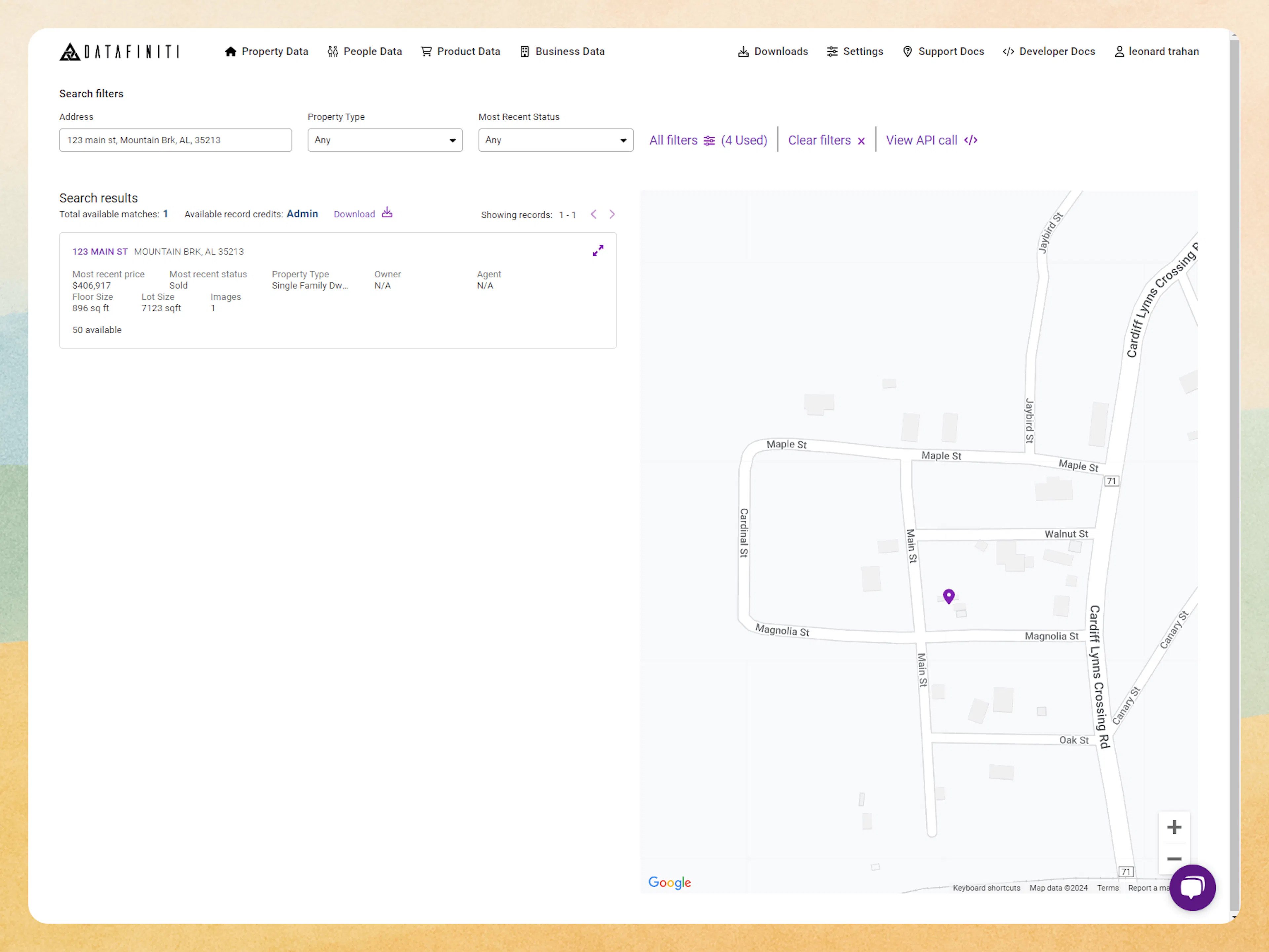
You can select any value on the list to populate a detailed result both below and on the map.
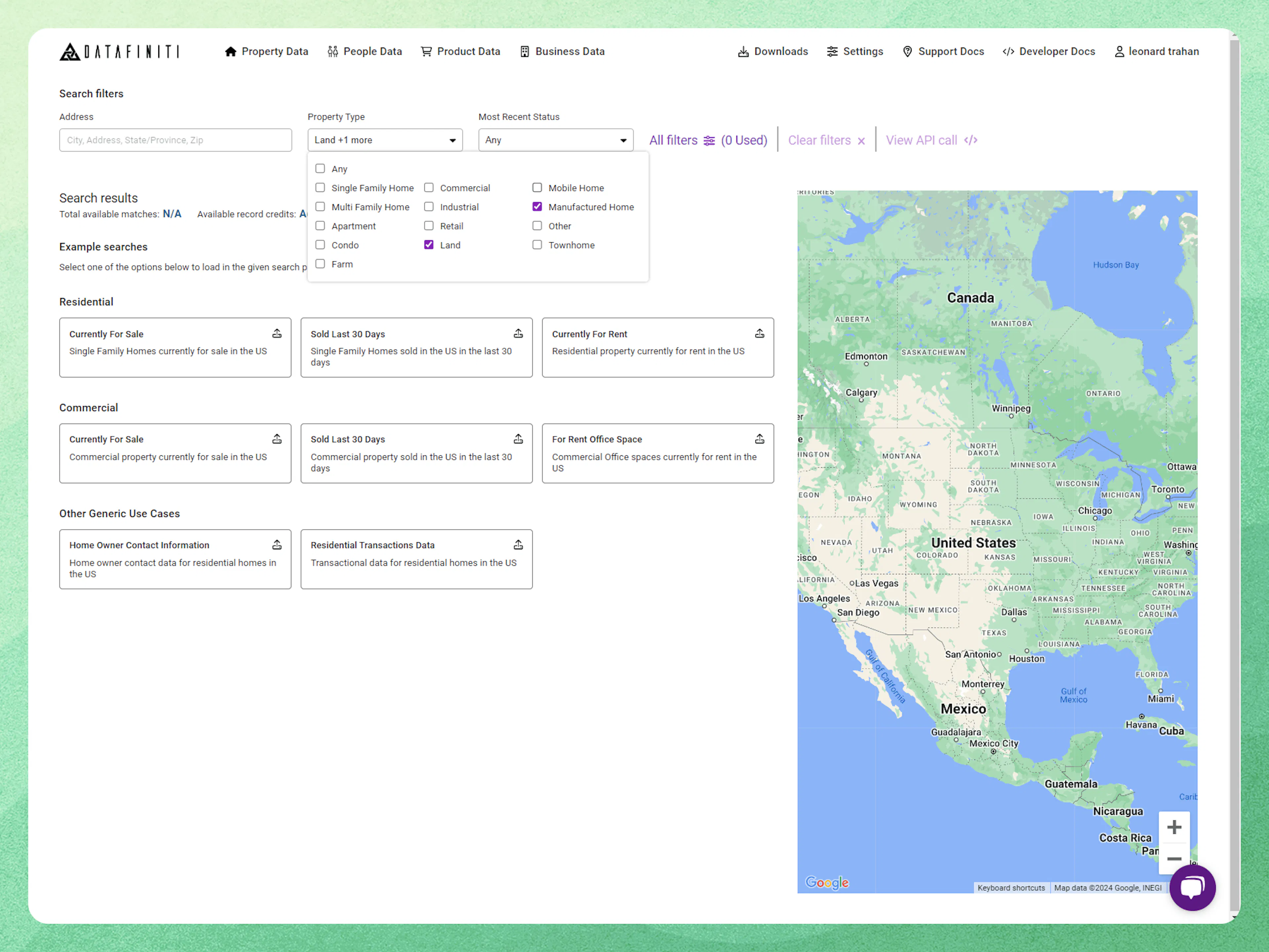
Property Type Selection
The property type selector allows you to search based on the values selected on the dropdown list.
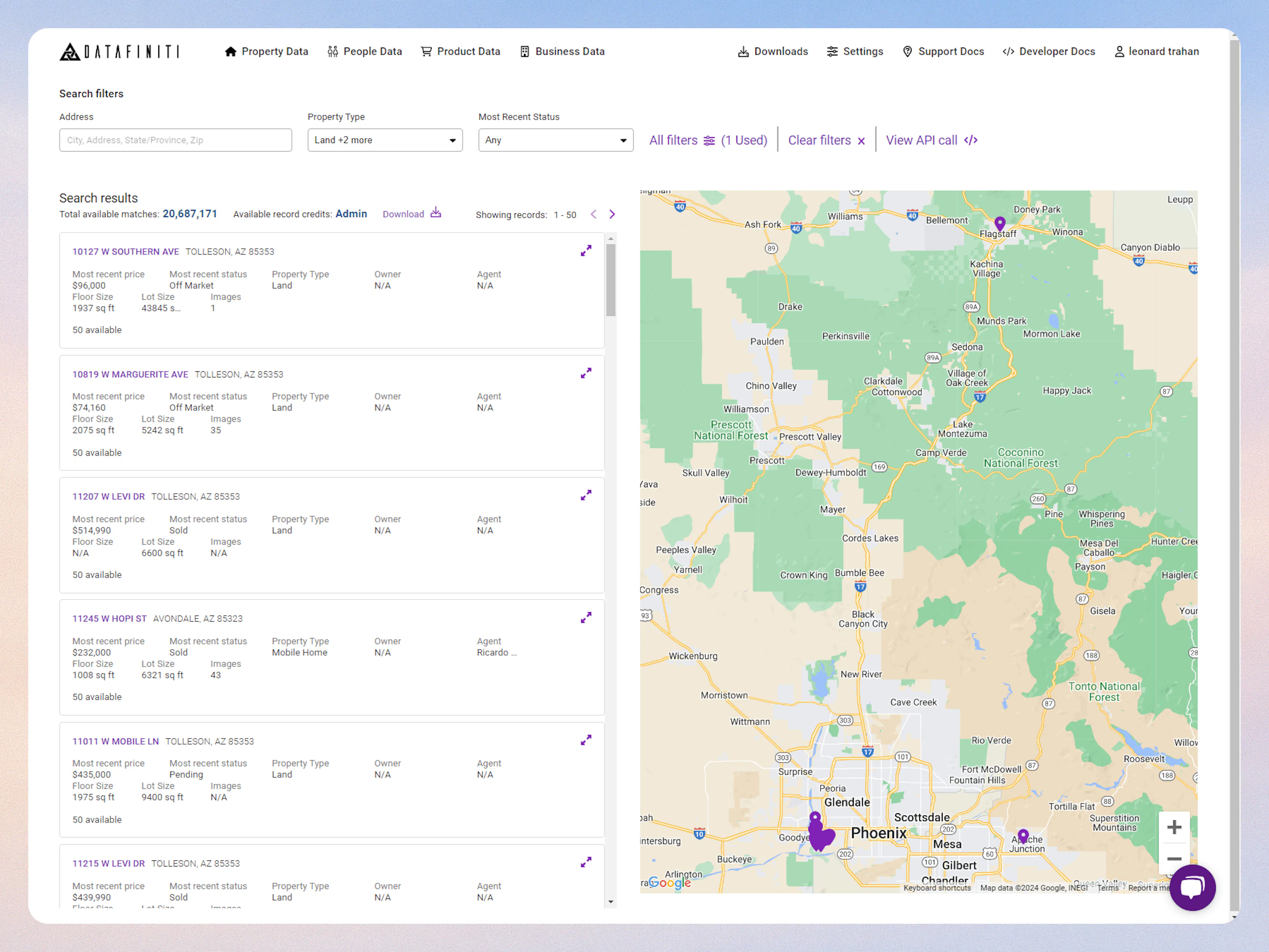
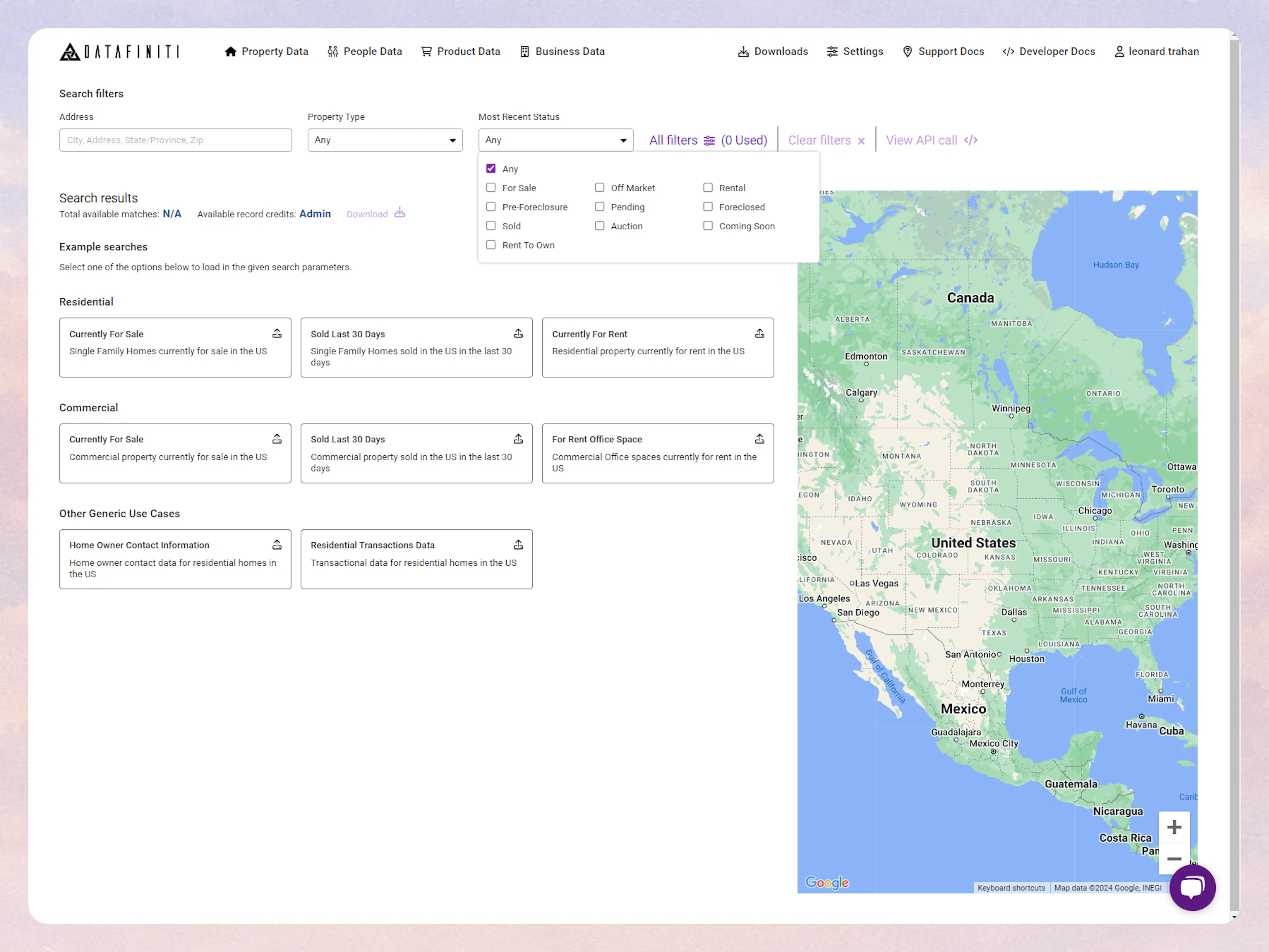
Most Recent Status
The Most Recent Status selector allows you to search based on the values selected on the dropdown list.
Combing Basic Search Features
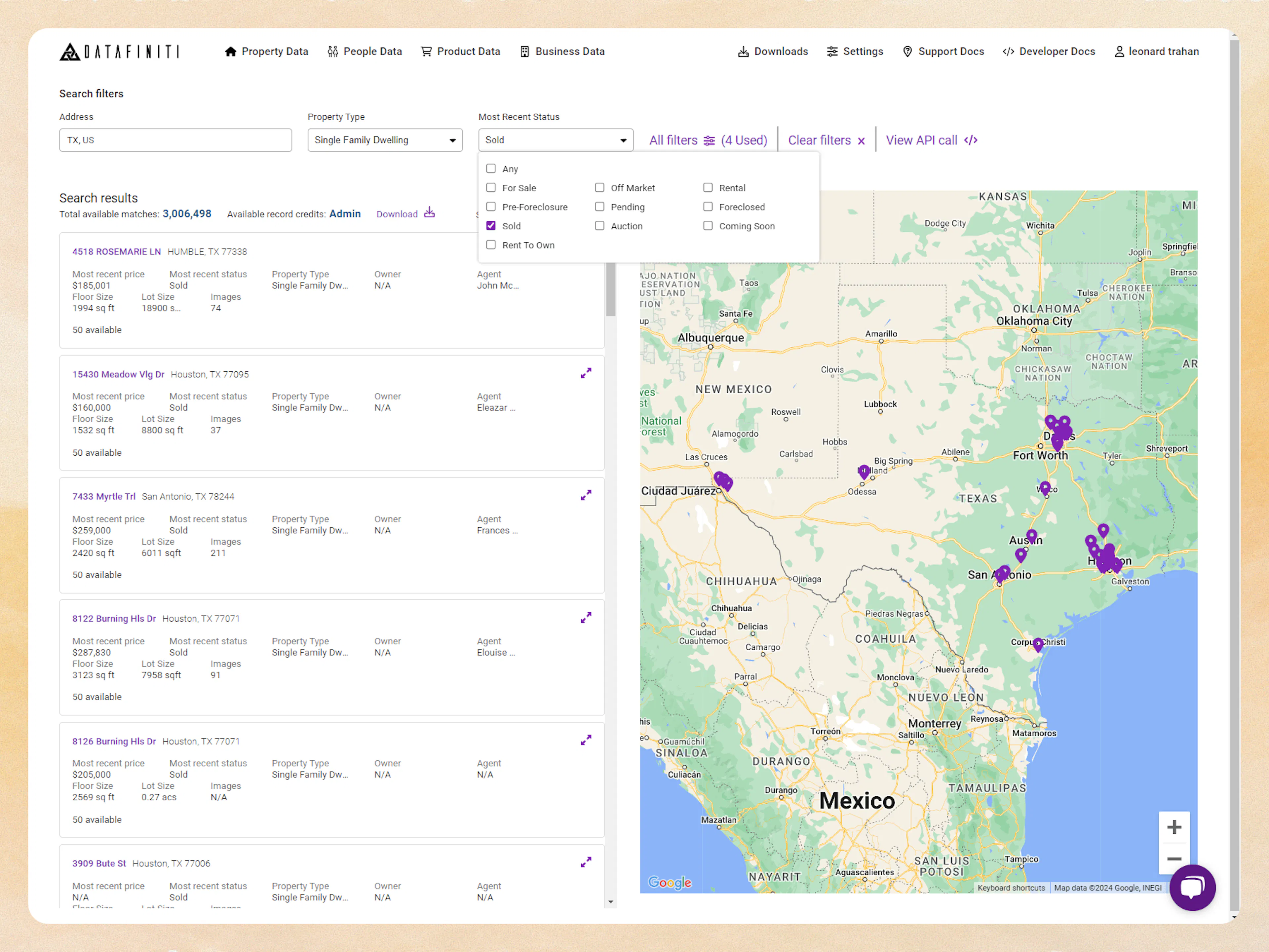
You can use any combination of address, property type, and most recent status filter to refine your basic searches. In this example we will look for Sold property in Texas that are single family dwellings: