
How Credits Work - Portal

Upon starting an account or new subscription with Datafiniti you will receive a new allotment of credit to your account. Your credits allow you to download and view detailed records when opting to in a search.
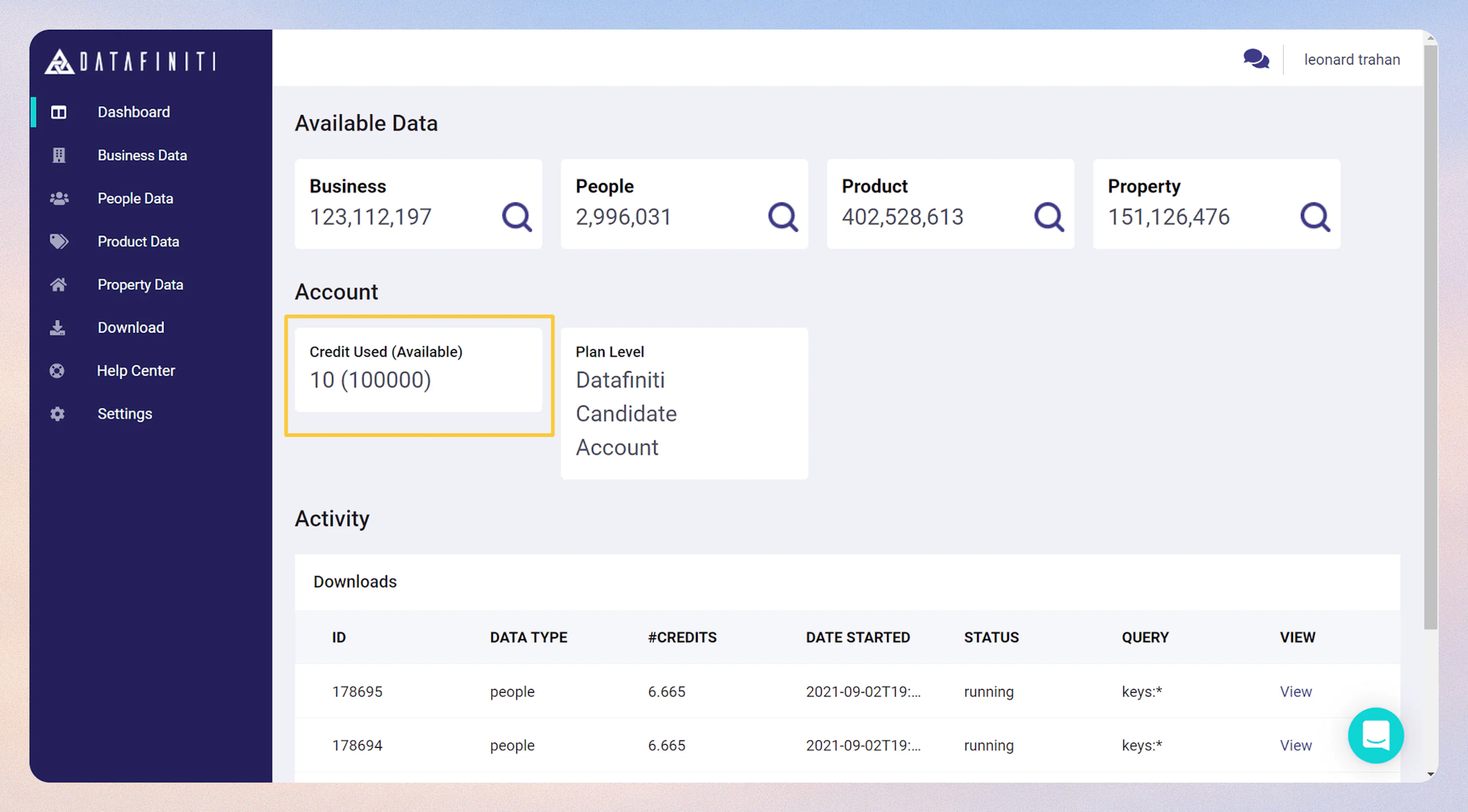
Where can I find my current credits used?
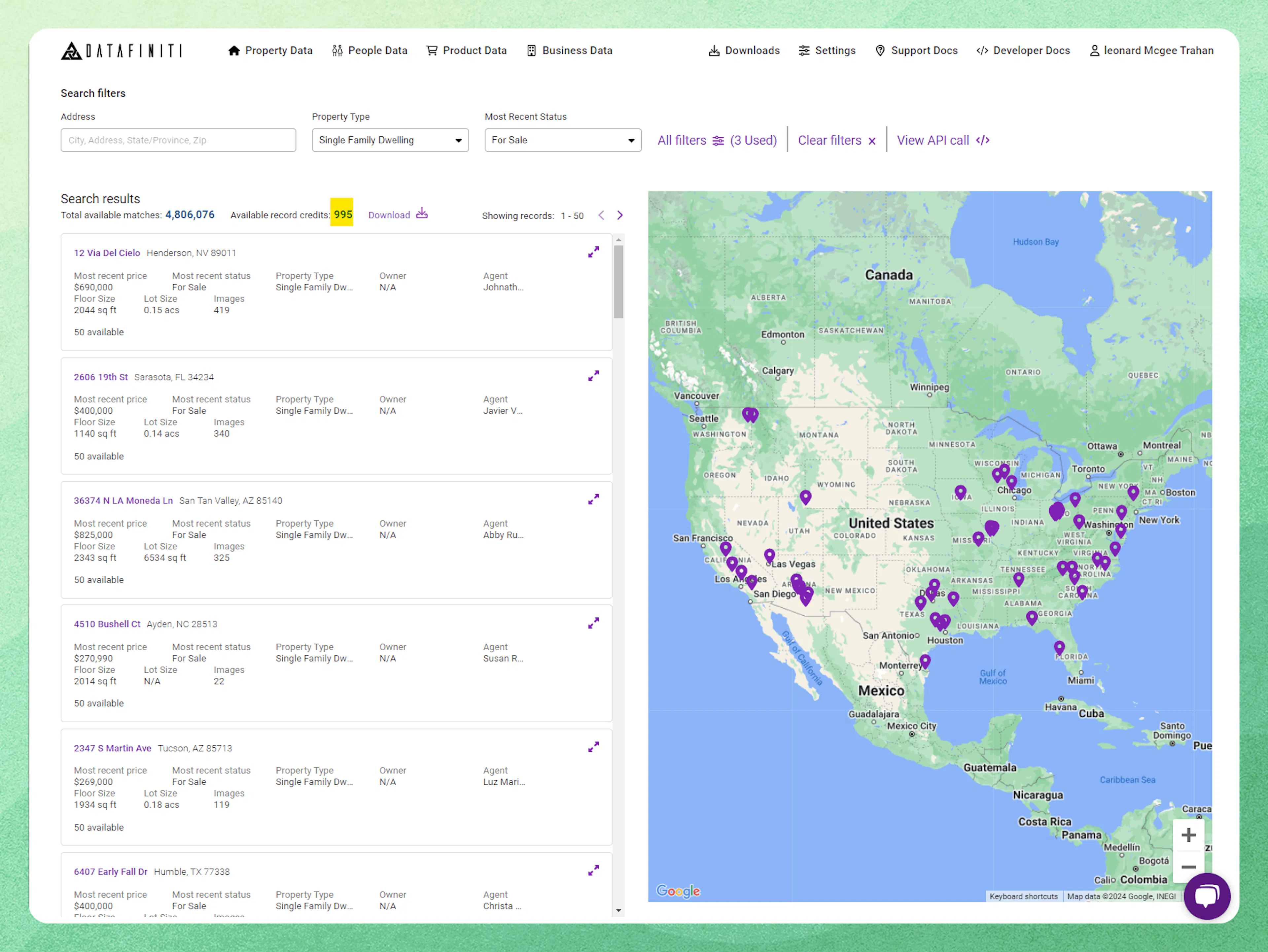
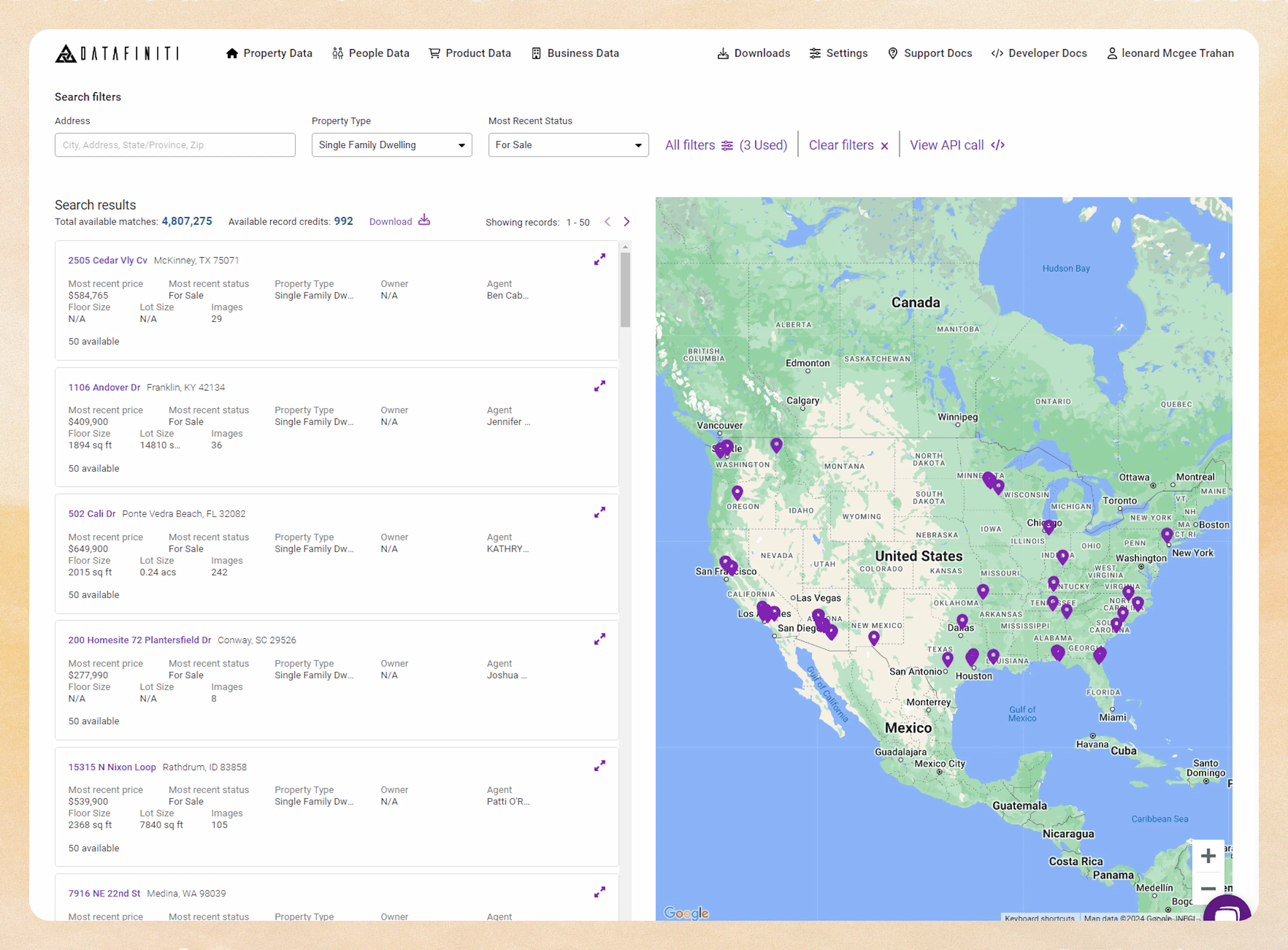
Available record credits
Please note that viewing credits may look differently per data type. If you ever need a count as to how many credits you currently have, you can contact us at support@datafiniti.co or the chat bubble on this page.
Determining what data you have access to
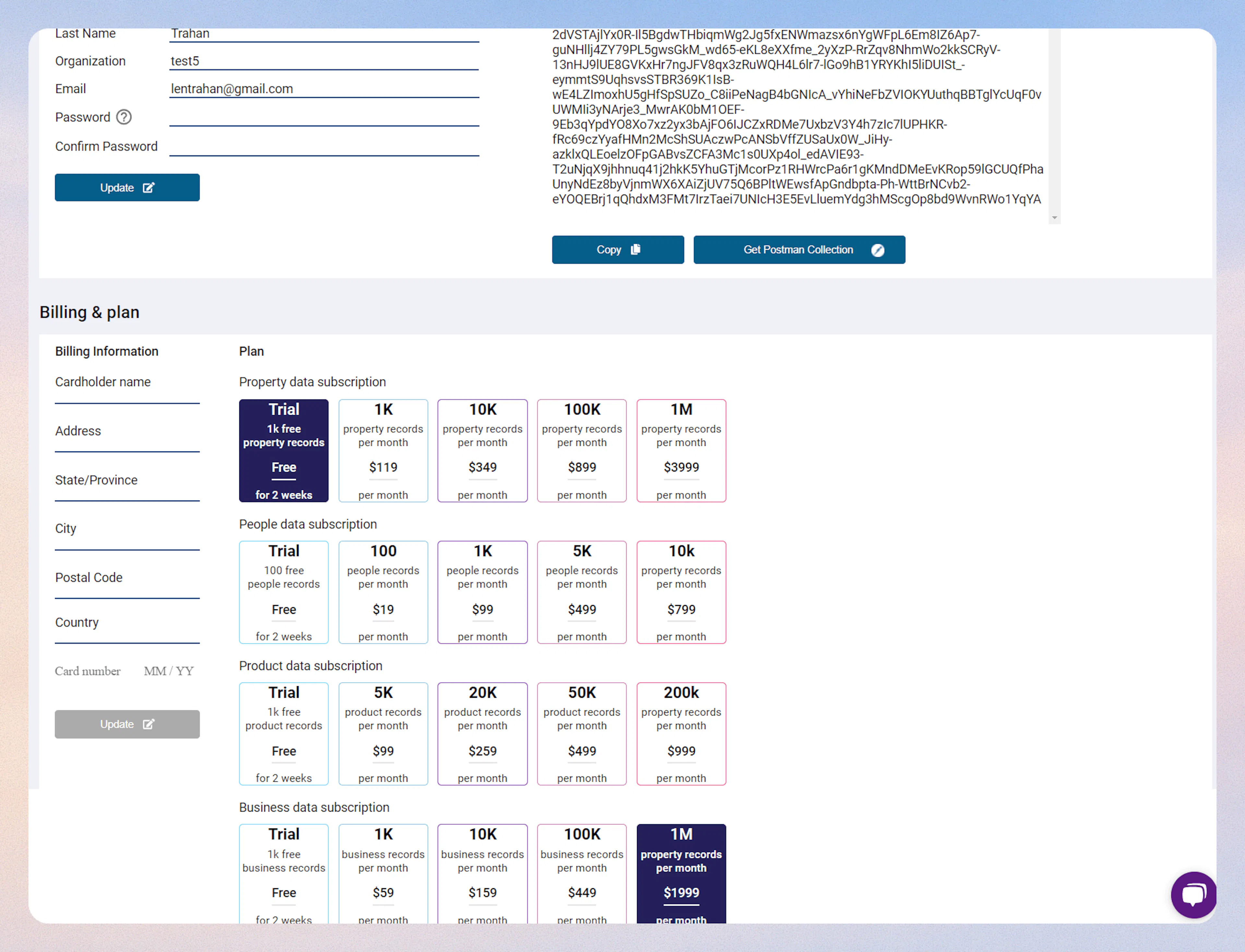
Our plans allow flexibility in both price and use of credits per month depend on what plan your account is subscribed to. Your can check your Setting page to check what data types you have access to.
When Are Credits Charged to Your Account?
Property Data
When you search for property either through the address, property type, most recent status, or filters, your account is not charged credits.
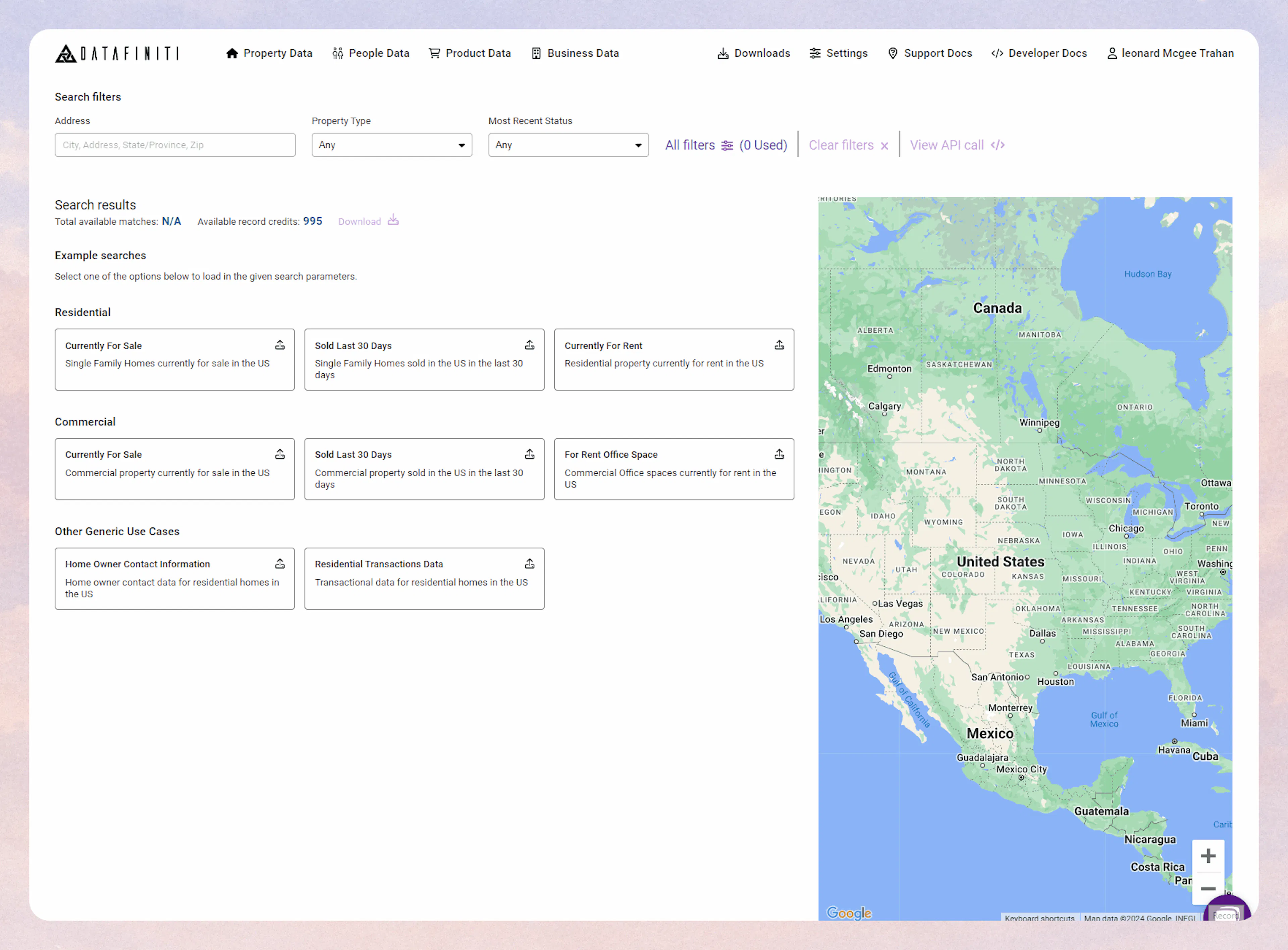
Credits charged
Note that these general searches only pertain to property data search. Please read below for other data types.
Expanded record view
You can select a property to expand the view of the record. This will cost 1 credit for viewing the content of the detailed record information.
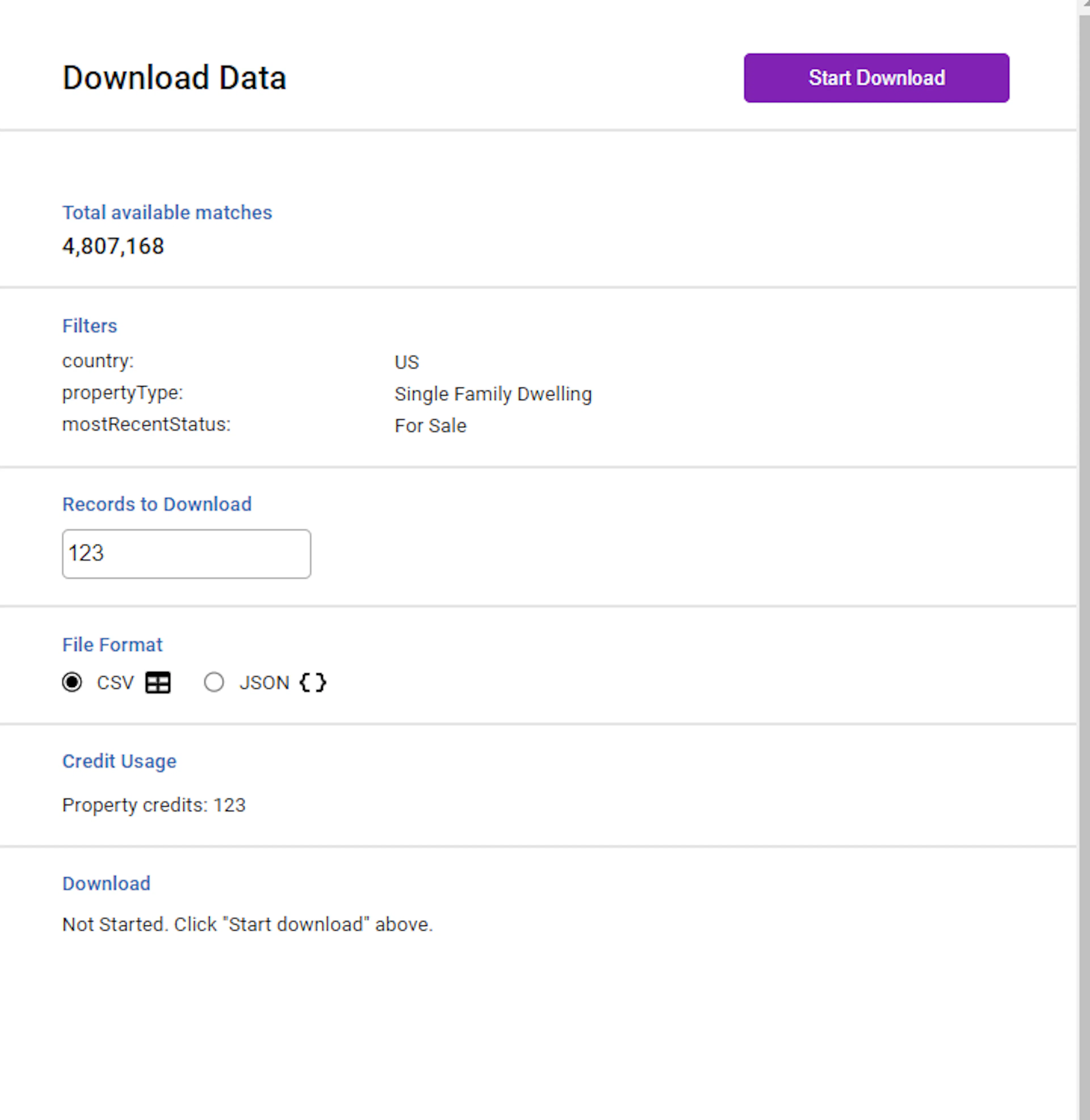
Downloads
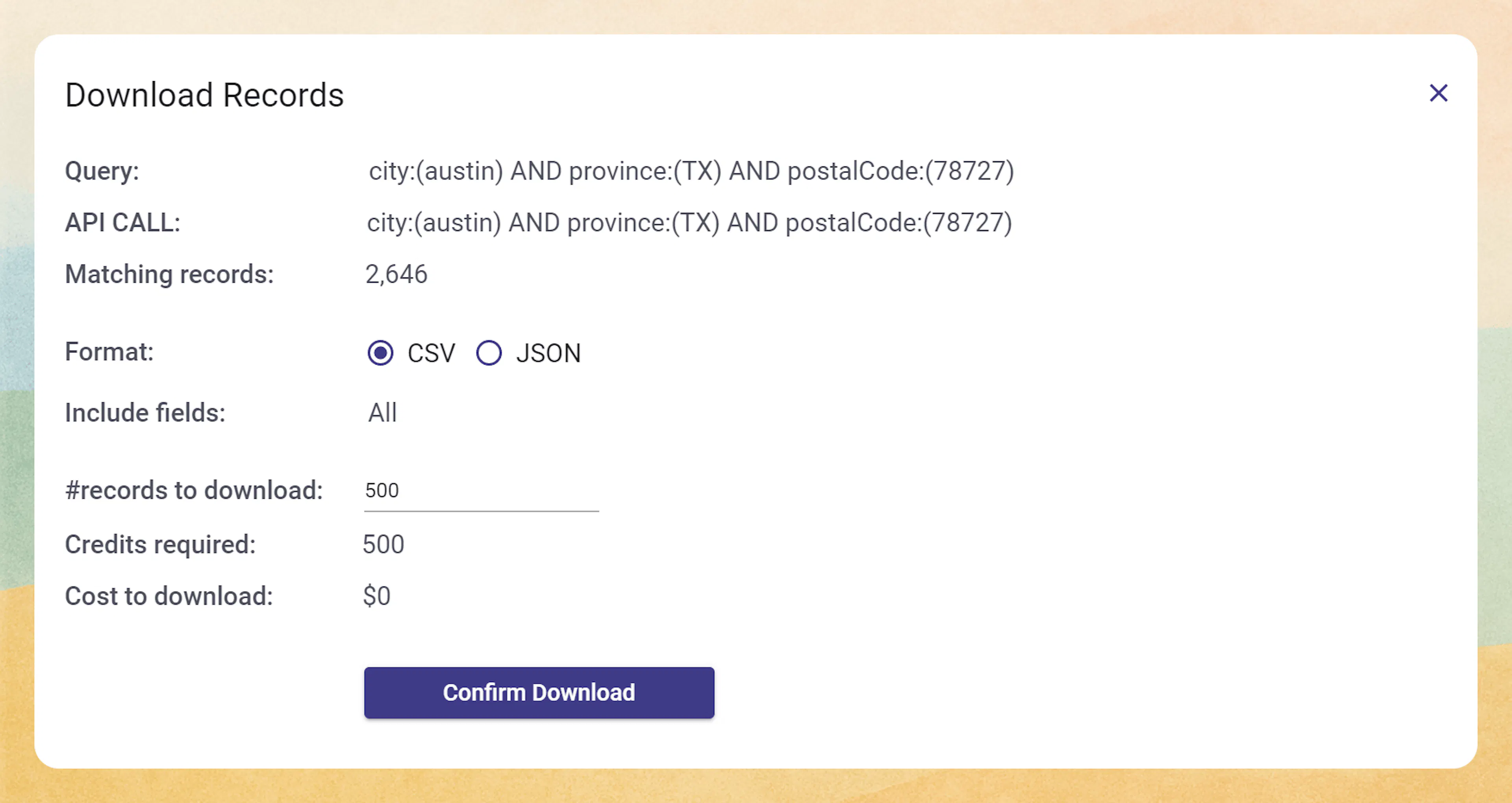
You will be charged property data credits per the amount input into the Records to Download box here:
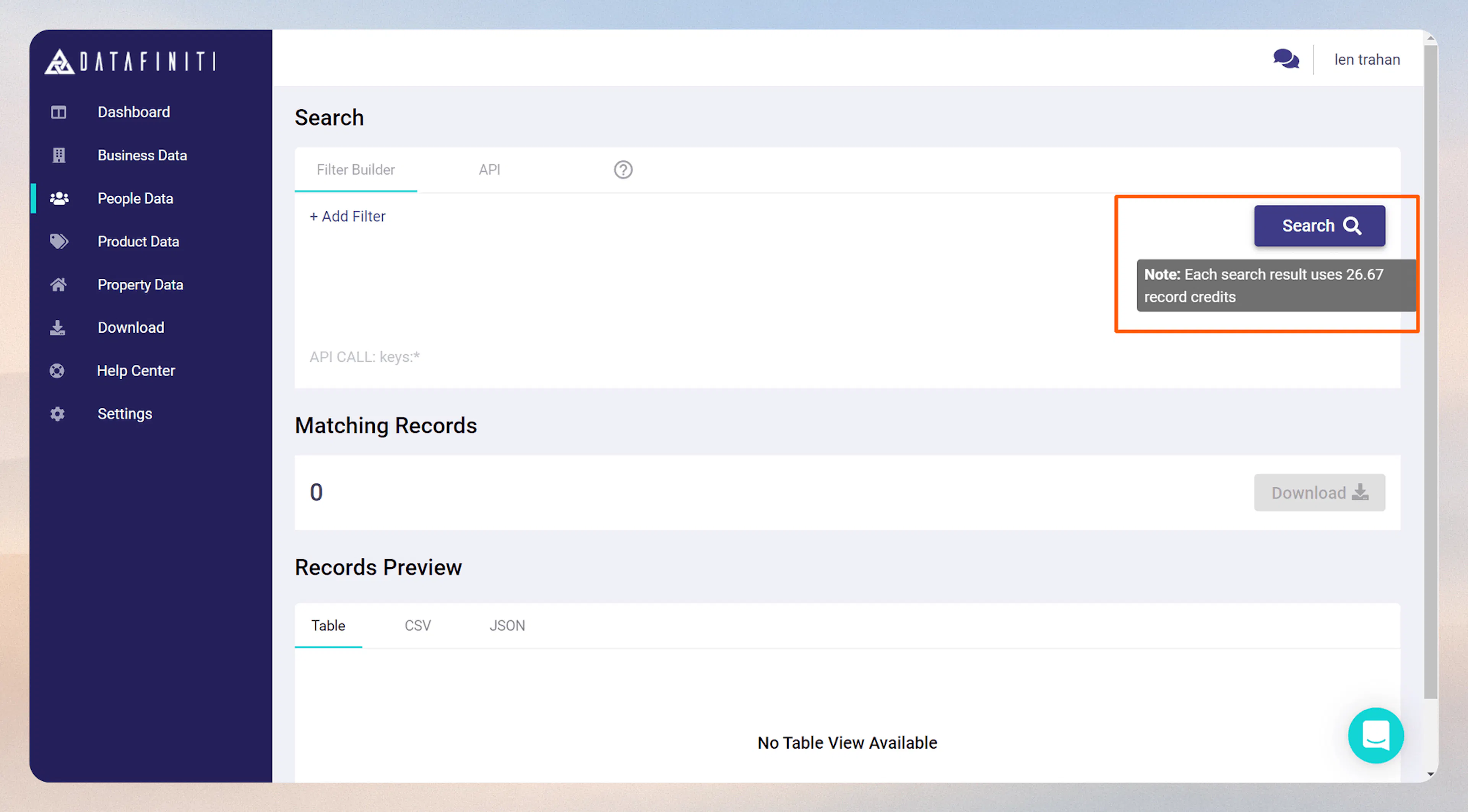
People, Products, & Business Data - subject to change
Please note that People, Products, & Business Data will be subject to change to match how credits are charged for property. Once that change is complete you will see the documentation here reflect that.
There are multiple ways to spend credits. Let go through the ways this can happen:
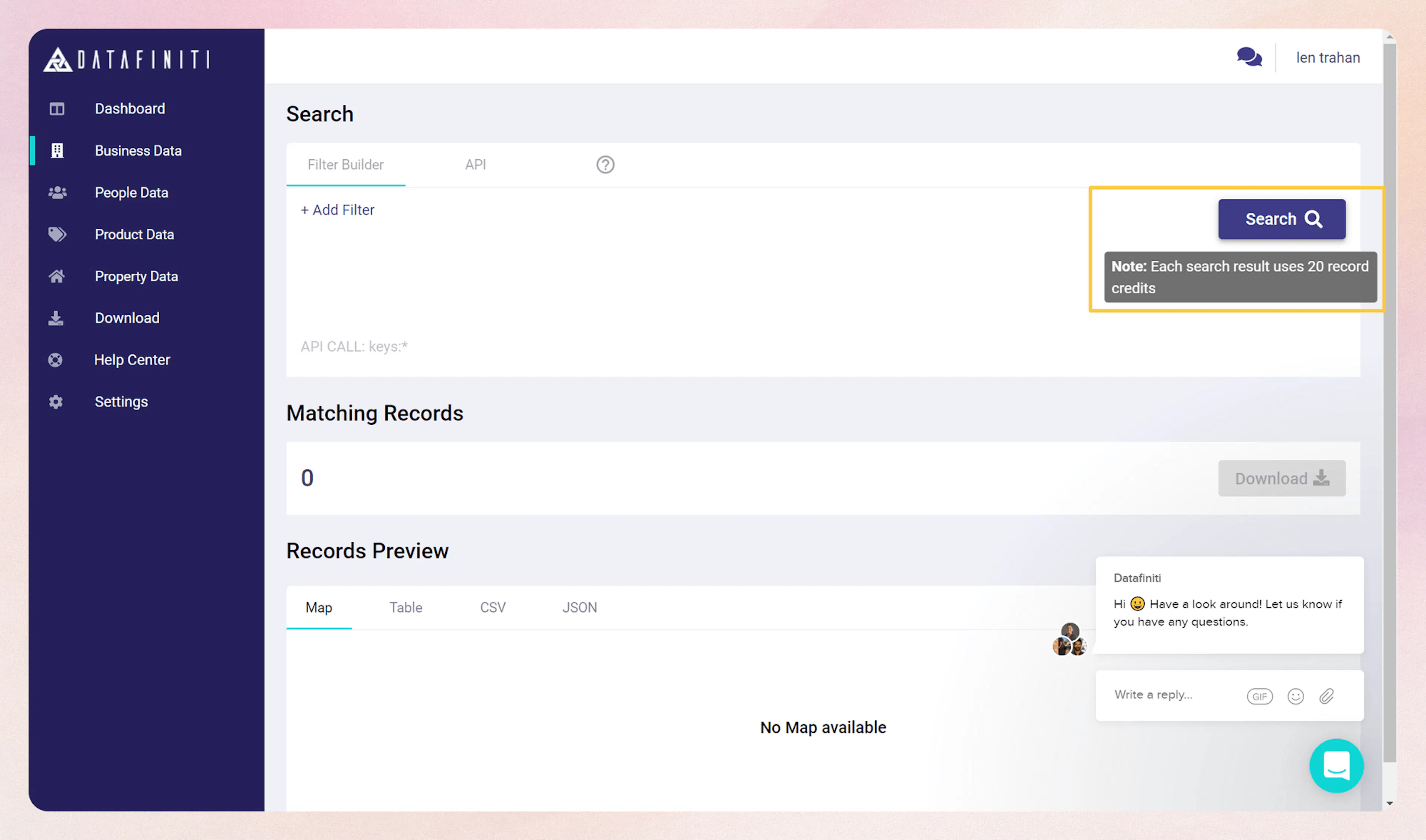
Credits Used On Search May Vary
If the credits consumed is under the stated credits consumed by the Search box, Datafiniti will only charge for the amount of records found.
Example:
If only 10 records are displayed, we charge 10 credits.
If 0 records are found, no credits will be charged.
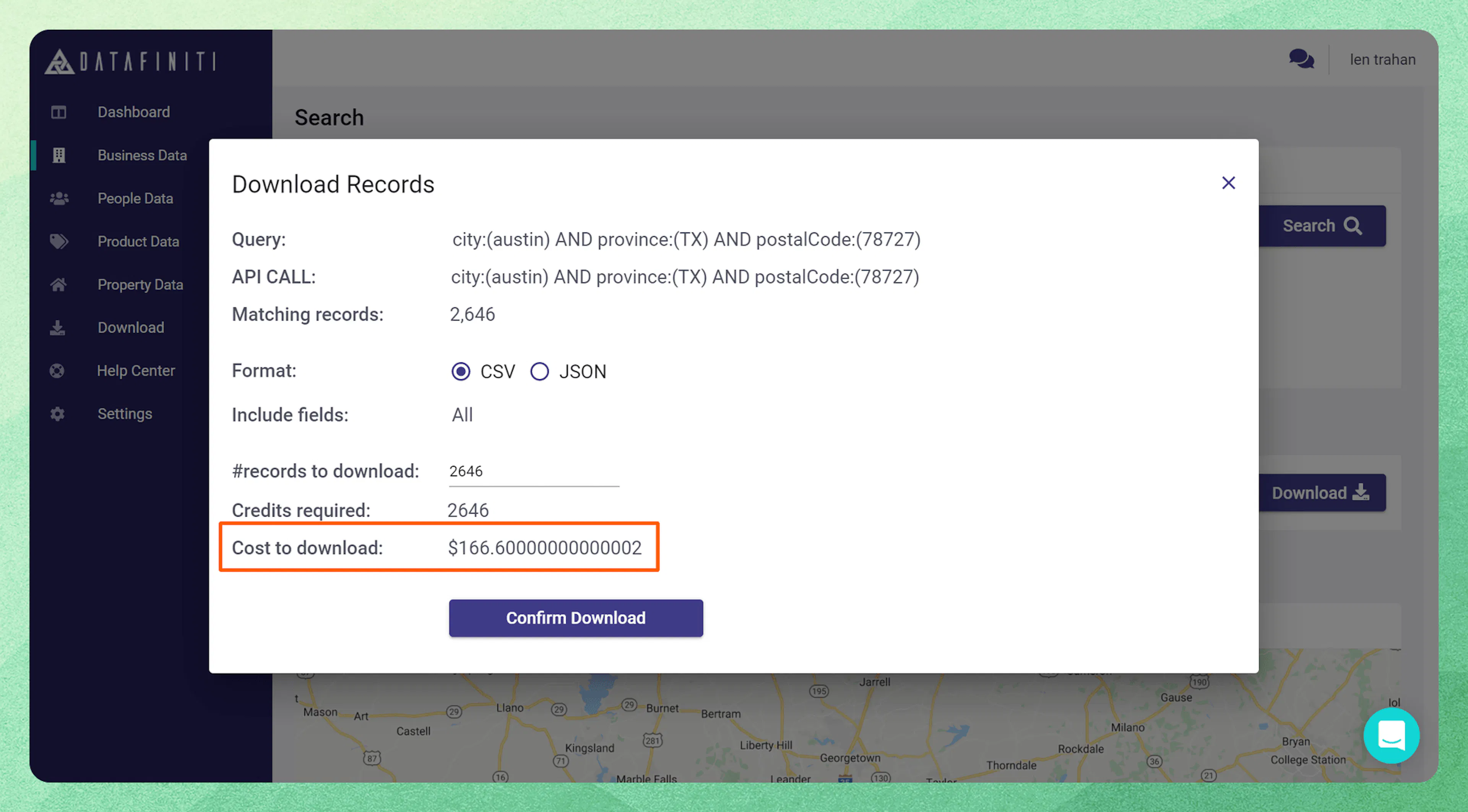
Any time you attempt a download of the records found by a search, a Download Records box will request the format and amount of records you wish to download.
Overages
Depending on the amount of credits needed to download a searched query, you will be charged an overage fee equal to the amount of credits over your credit's available. NOTE you will not be able to download the data files generated to your account until the overages are paid.
Credit limit refresh period
Your credits to your Datafiniti account refresh period is based on of your data plan subscription. This can vary from monthly to annually. For standard tier plans you can check your settings page here. Please consult with your Datafiniti representative if you do not know your plan's refresh rate.