

People Data
People Data from the Portal
Here you'll find a step-by-step walkthroughs for maximizing Datafiniti's People Data and API to fulfill your data needs. Let's get started!
Navigating to People Data
Once you log into your account, this will bring you to the Datafiniti Dashboard. From there you can use the left Navigation Bar to select searching different data types. In this case select "People Data"
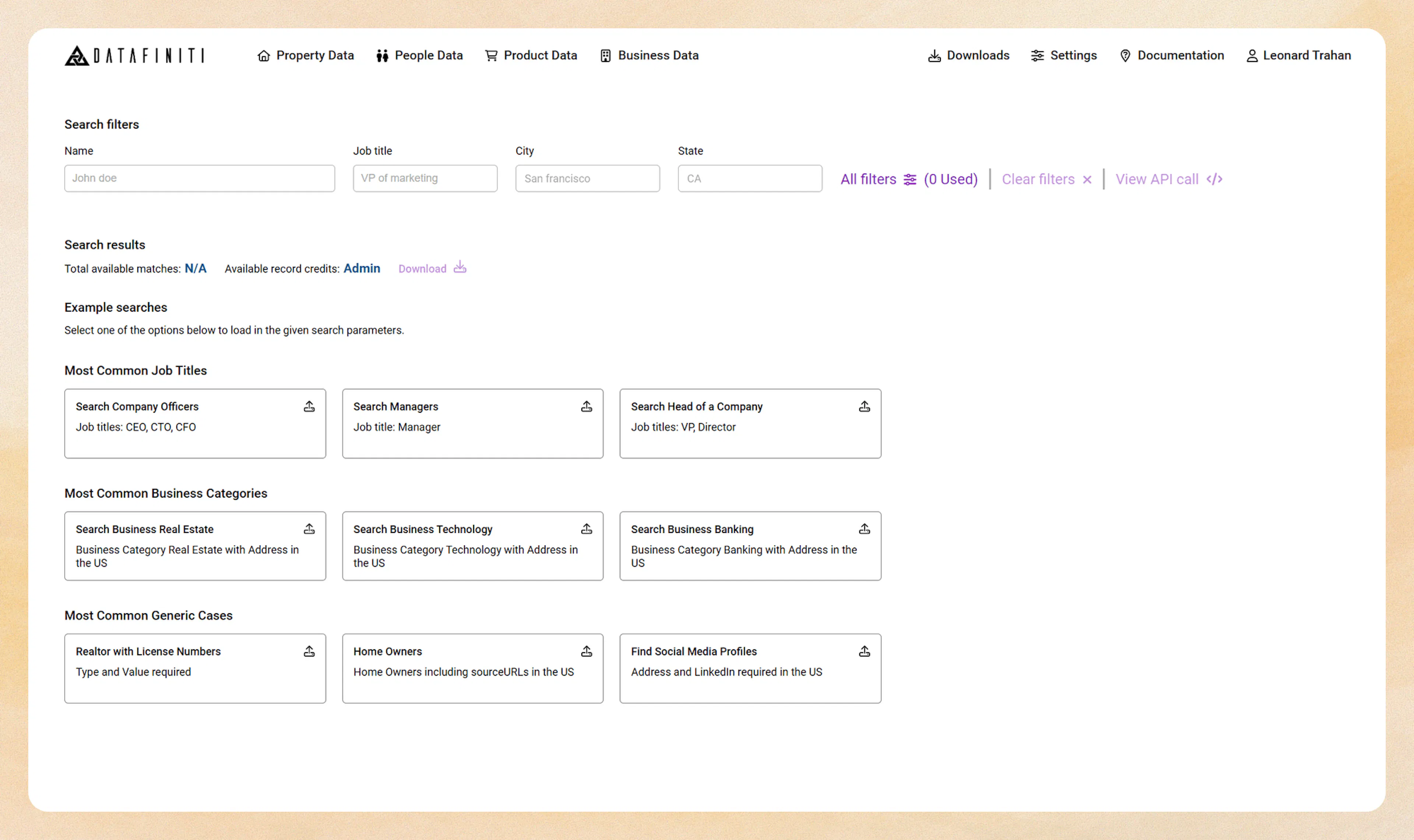
Once you click "People Data" you will be brought to Datafiniti's People Data "Filter Builder"
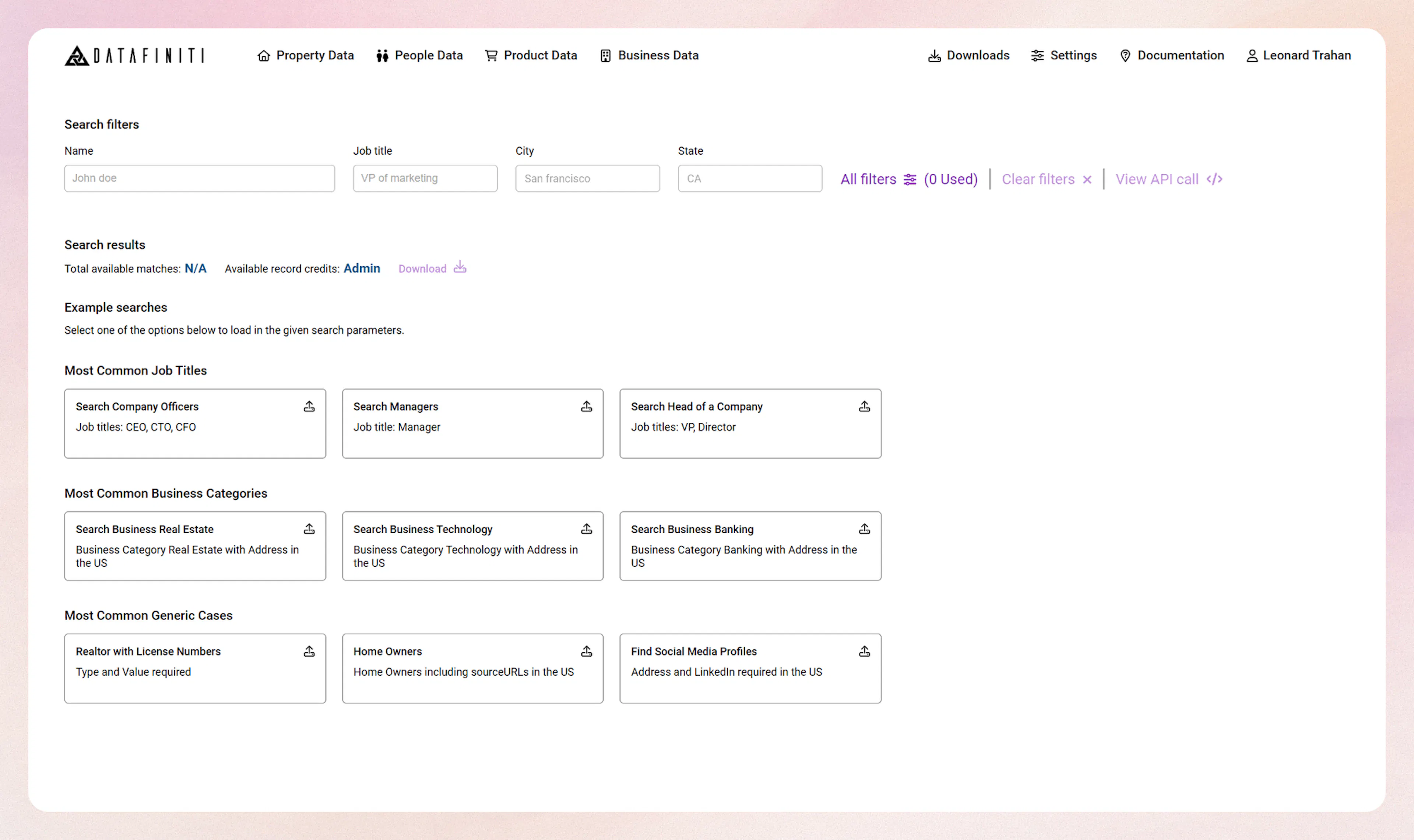
People Data Filter Builder
The Datafiniti Filter Builder is a GUI that allow you to compose API queries will relative ease. These filter fields are based off of our Datafiniti People schema. For more information on what each filter field you can refer here. You can use the following steps to add a filter to your query.
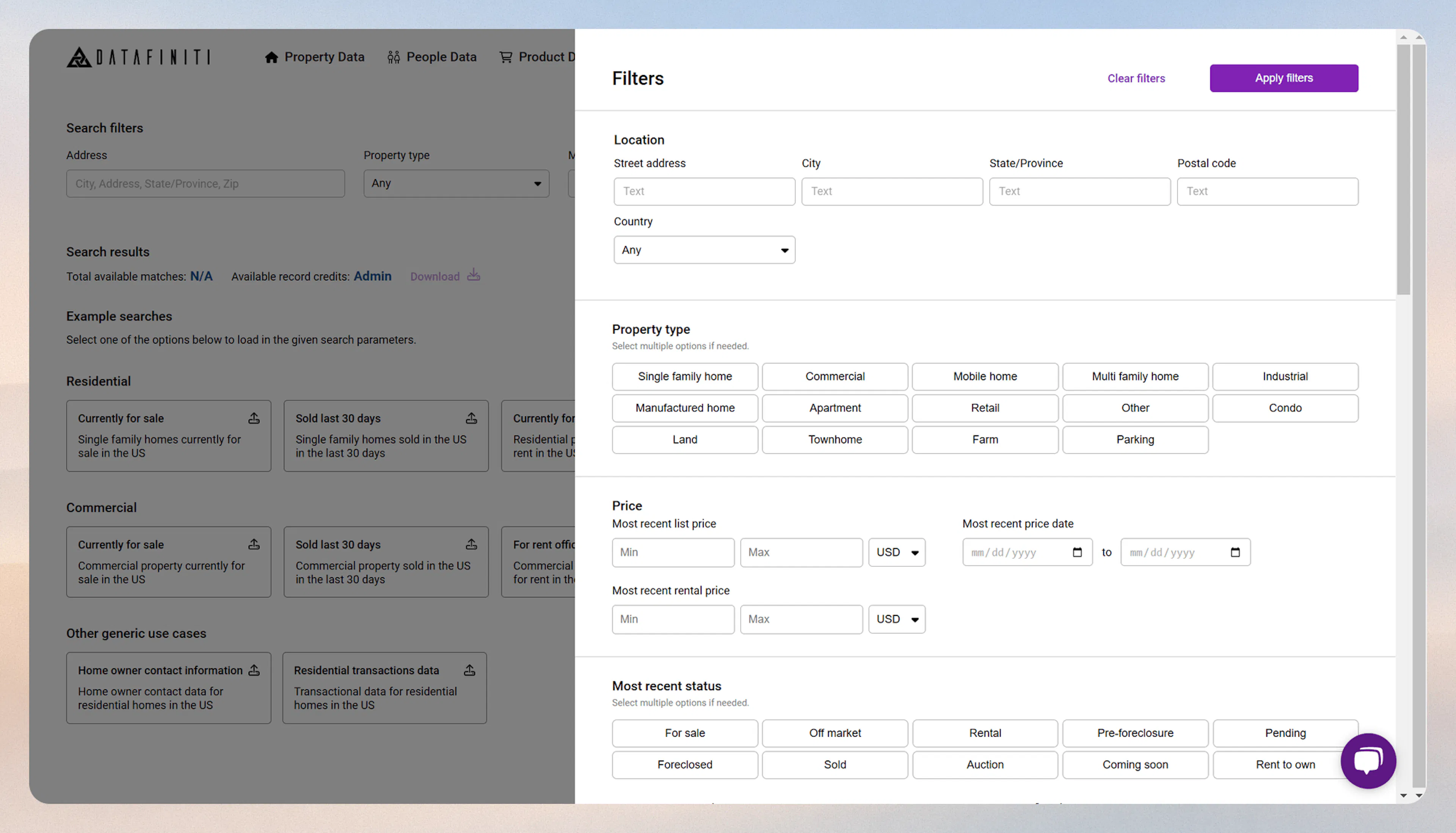
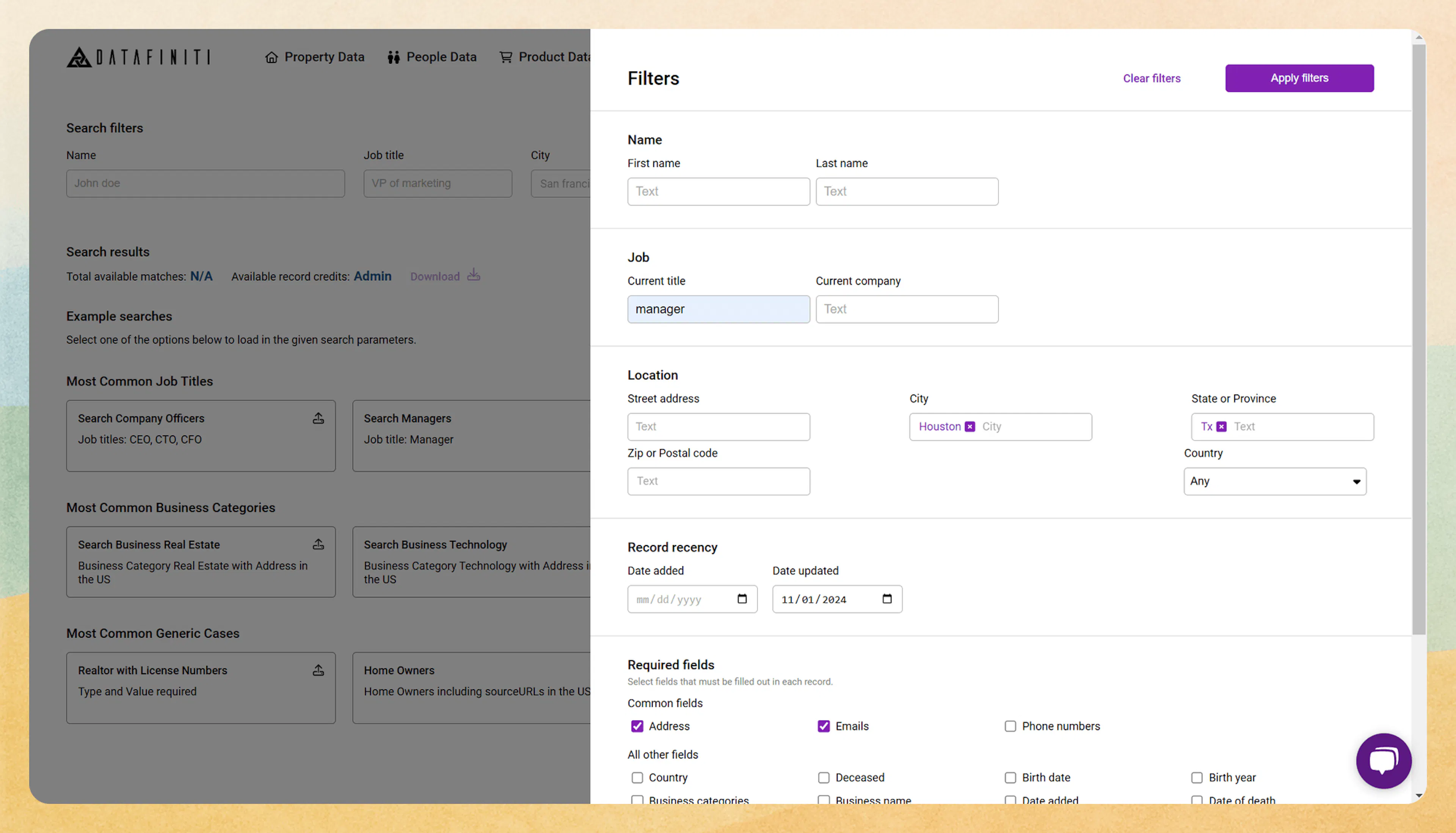
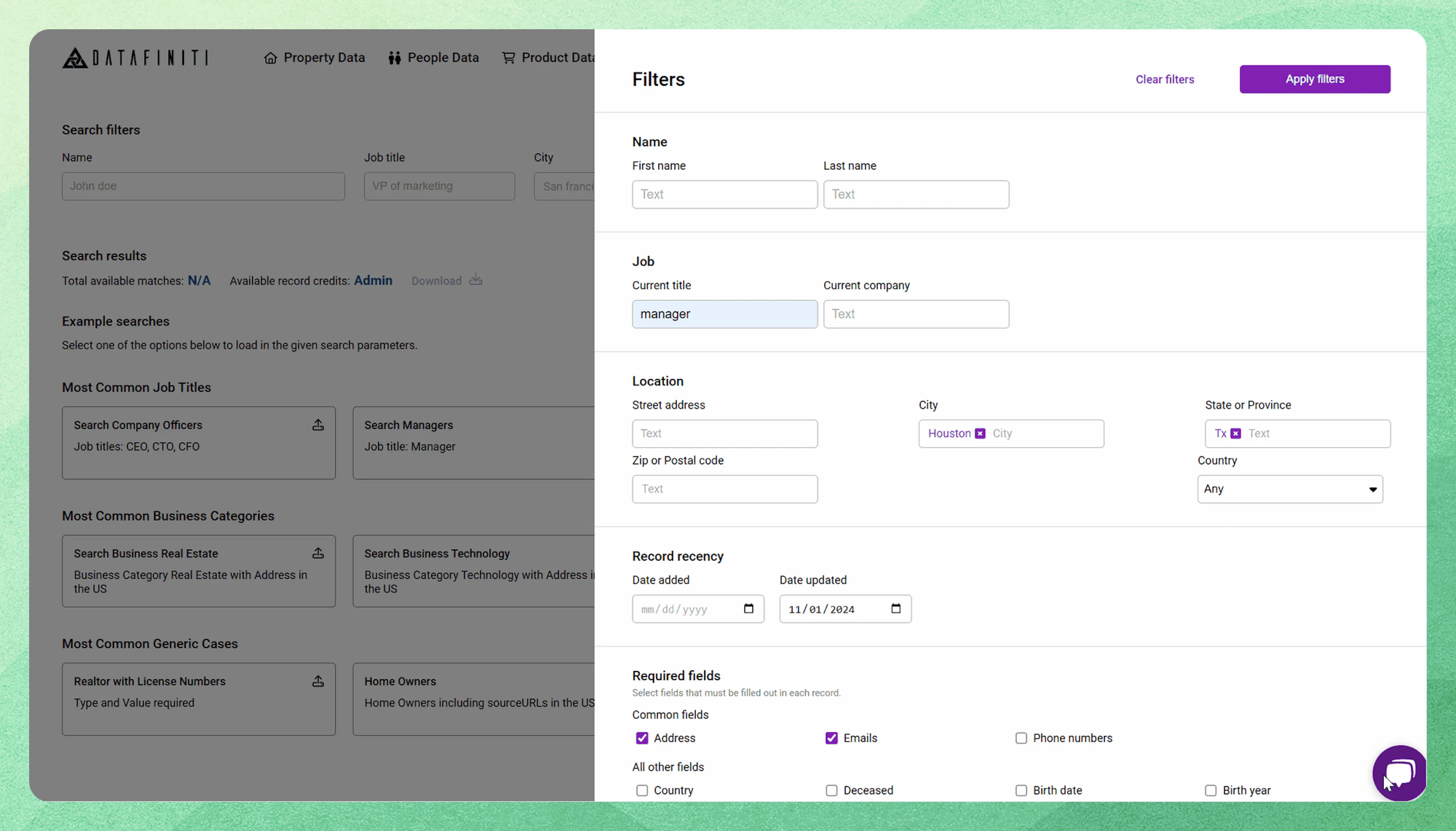
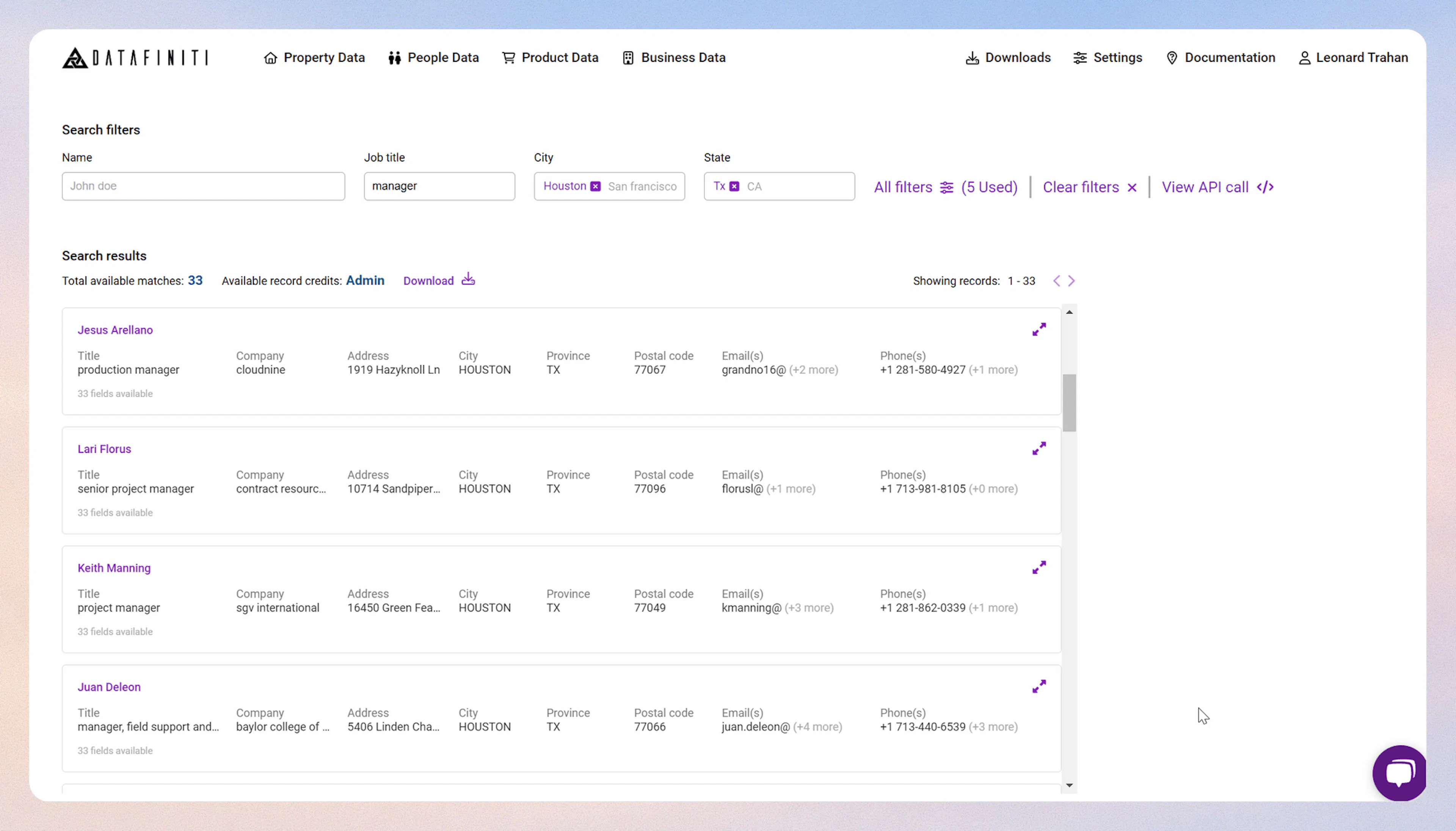
Credits spent on a search
Please note that people data search consume credits upon the search via the filter builder. The credits spent is equal to the "Total available matches" number found.
Starting a Download
You can download your people data in two different formats. (csv OR json). By clicking the download button, this will display a download panel. You can select the amount of records you wish to download in the Records to download box. Be sure to select either CSV or JSON as your format file. Once ready, you can click the Start download button in the top right. You will be shown your download complete once the download is done.
People Data API Builder
You can also select the View API Call tab to build a People search query similar to the our API reference guide would allow you to build. You can reference the API reference guide on how to build a query. In most cases you can copy and paste your API search query into the People Data API Builder and click Search
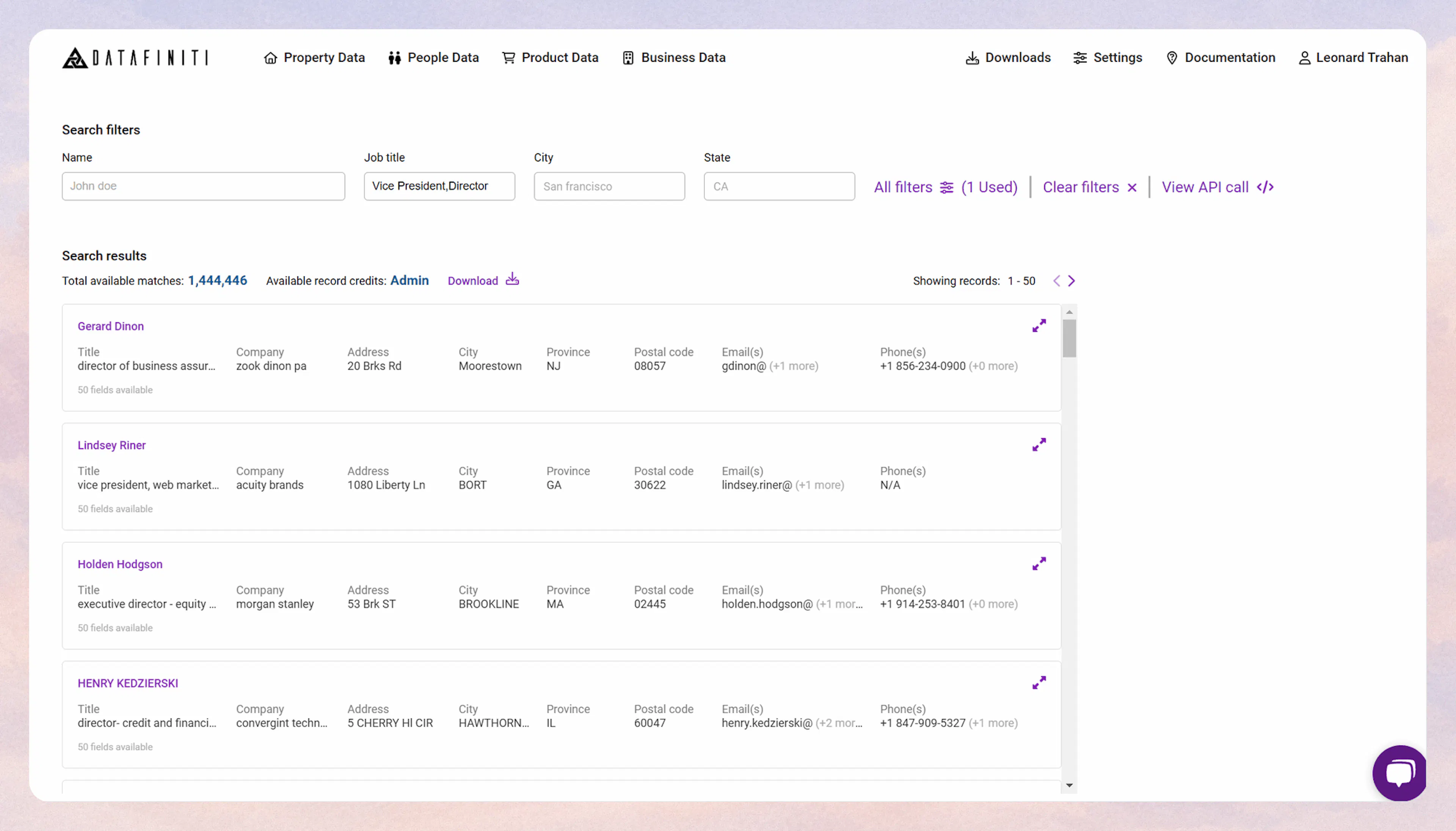
For help and tip on more complex querying techniques, you can find out more here.