

Postman: Download Result Files
Get your Download ID
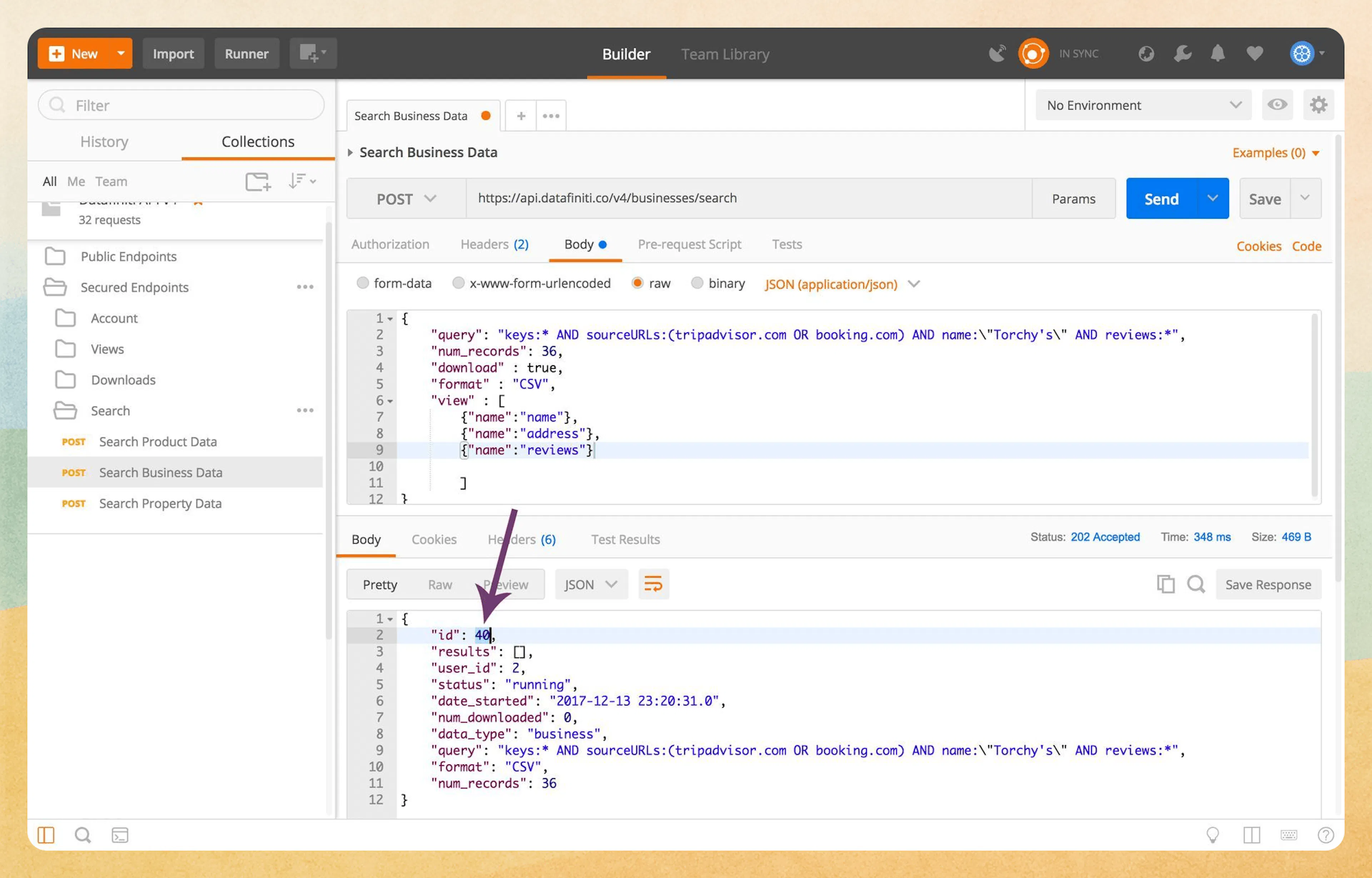
After running your query with "download": true, you can grab your download ID from the response you get in Postman.
Open the Get Download Endpoint
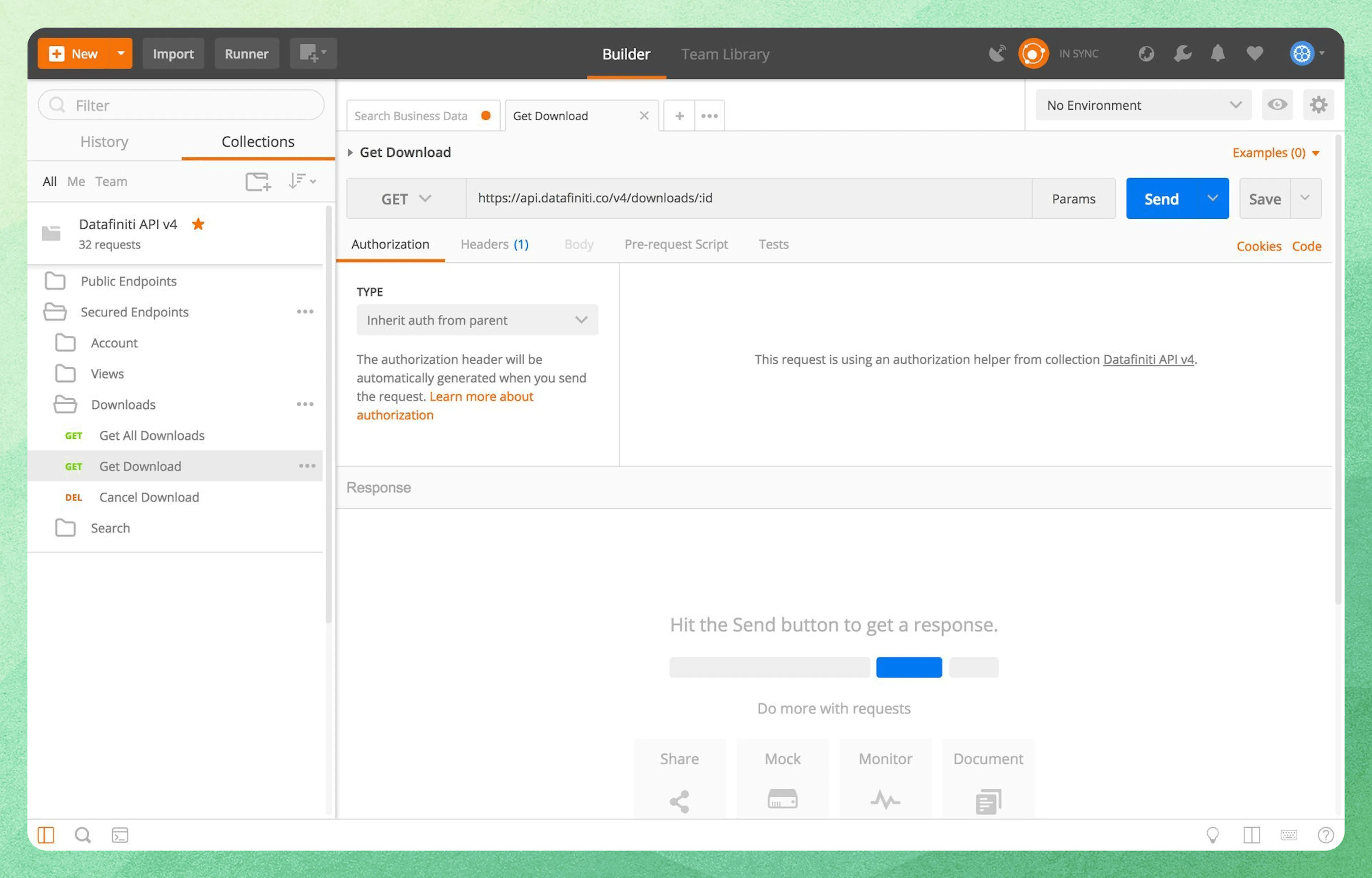
Click "Get Download" in the "Downloads" folder to begin the download process.
Request Your Result File(s)
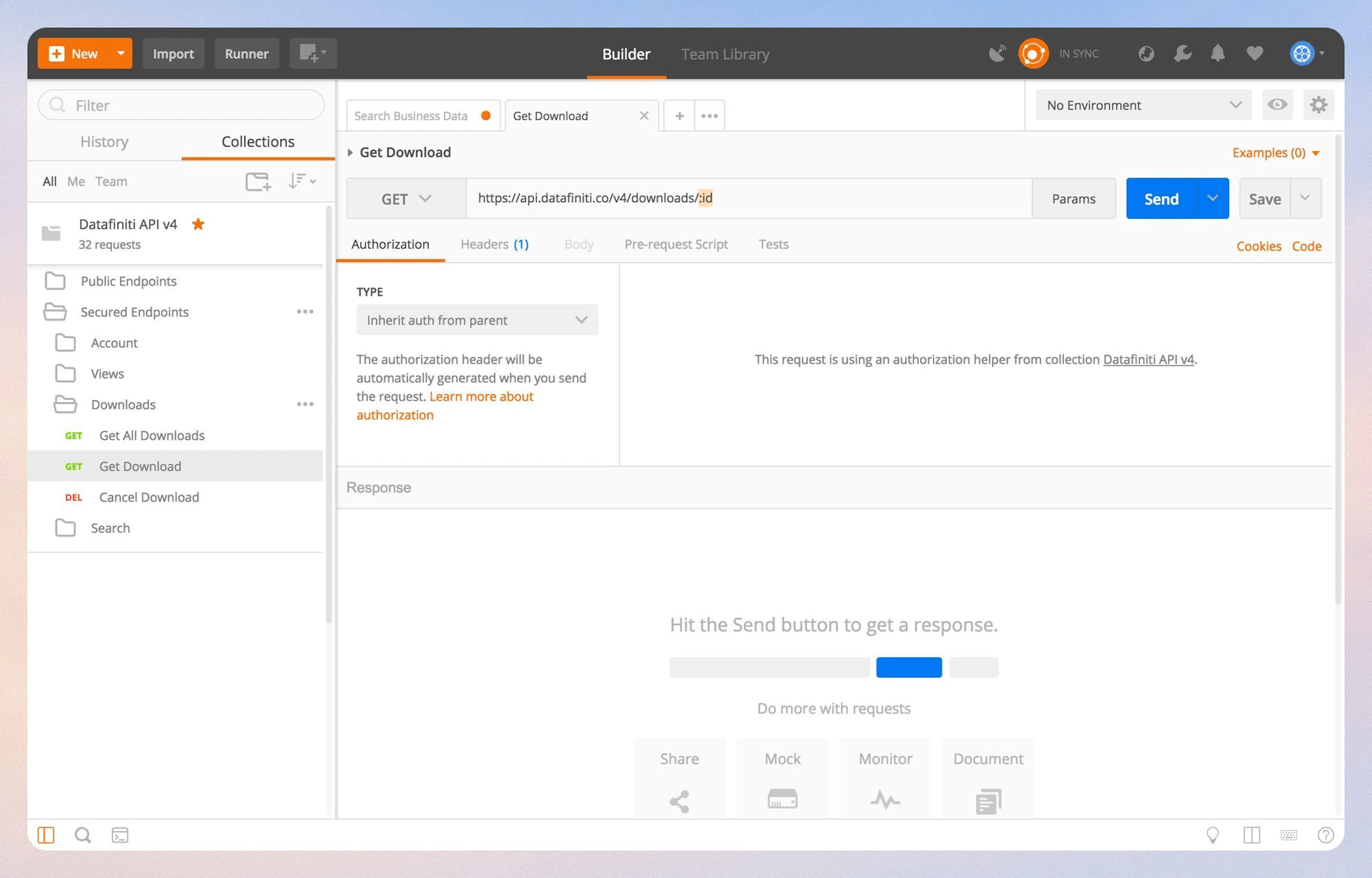
Replace :id with your download ID number you got from Step 1. In this example, the download ID was 40.
Download the Files
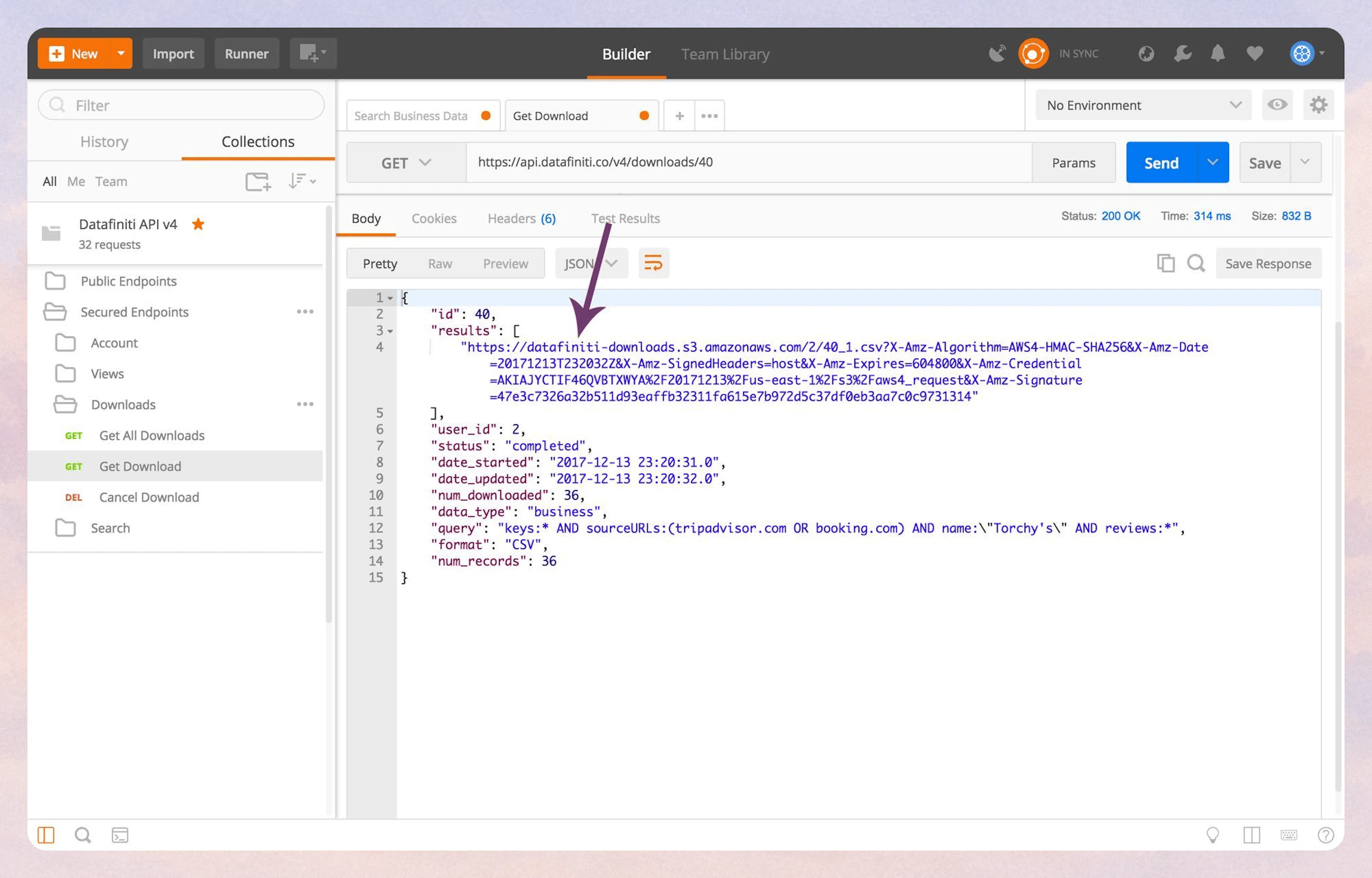
Copy the URL listed in the "results".
Result Files
Result files are generated for every 100mb of records. Depending on the number of records downloading and your view, you may have many result file links, not just one.
Paste the results URL into your browser.
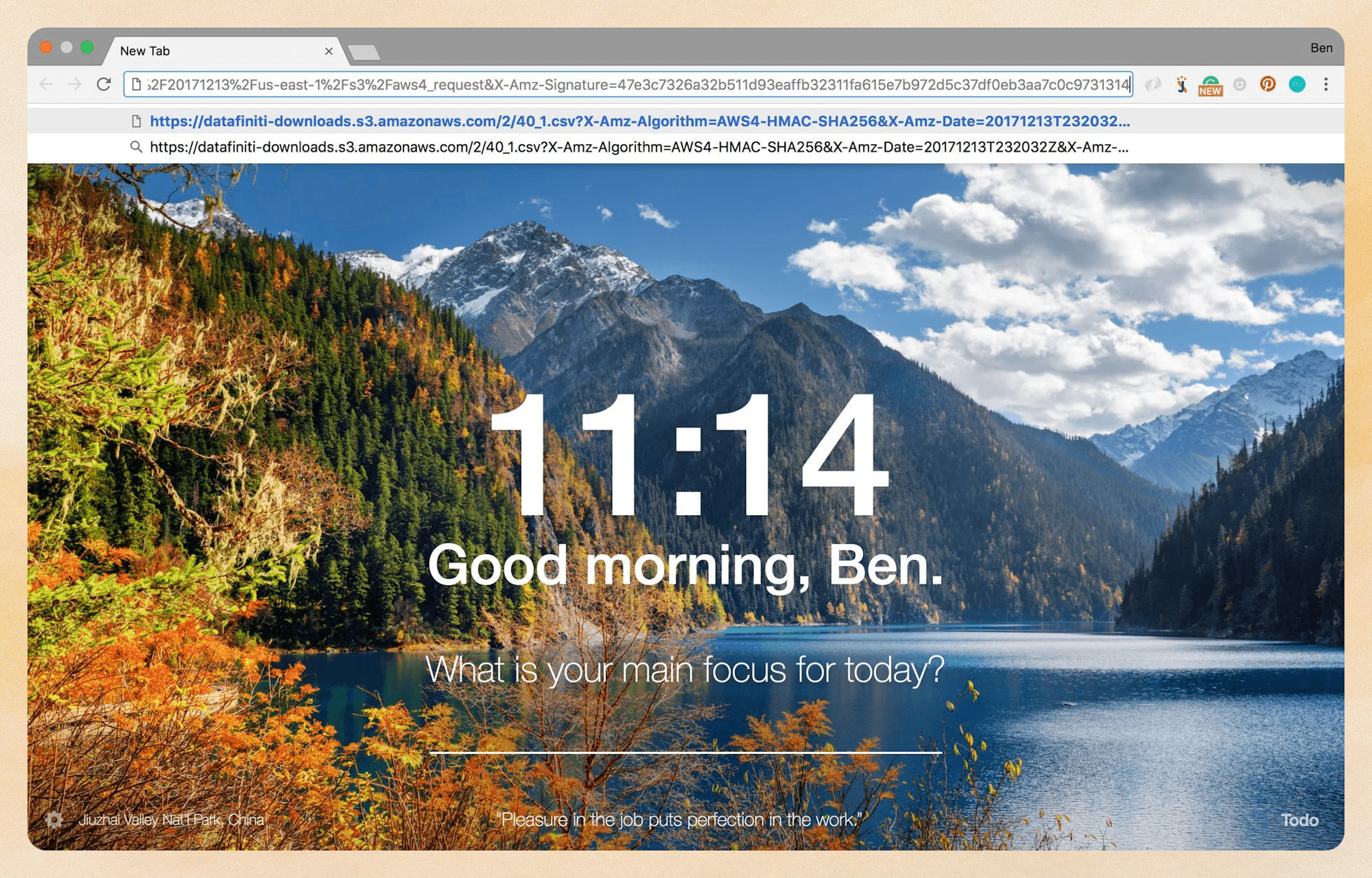
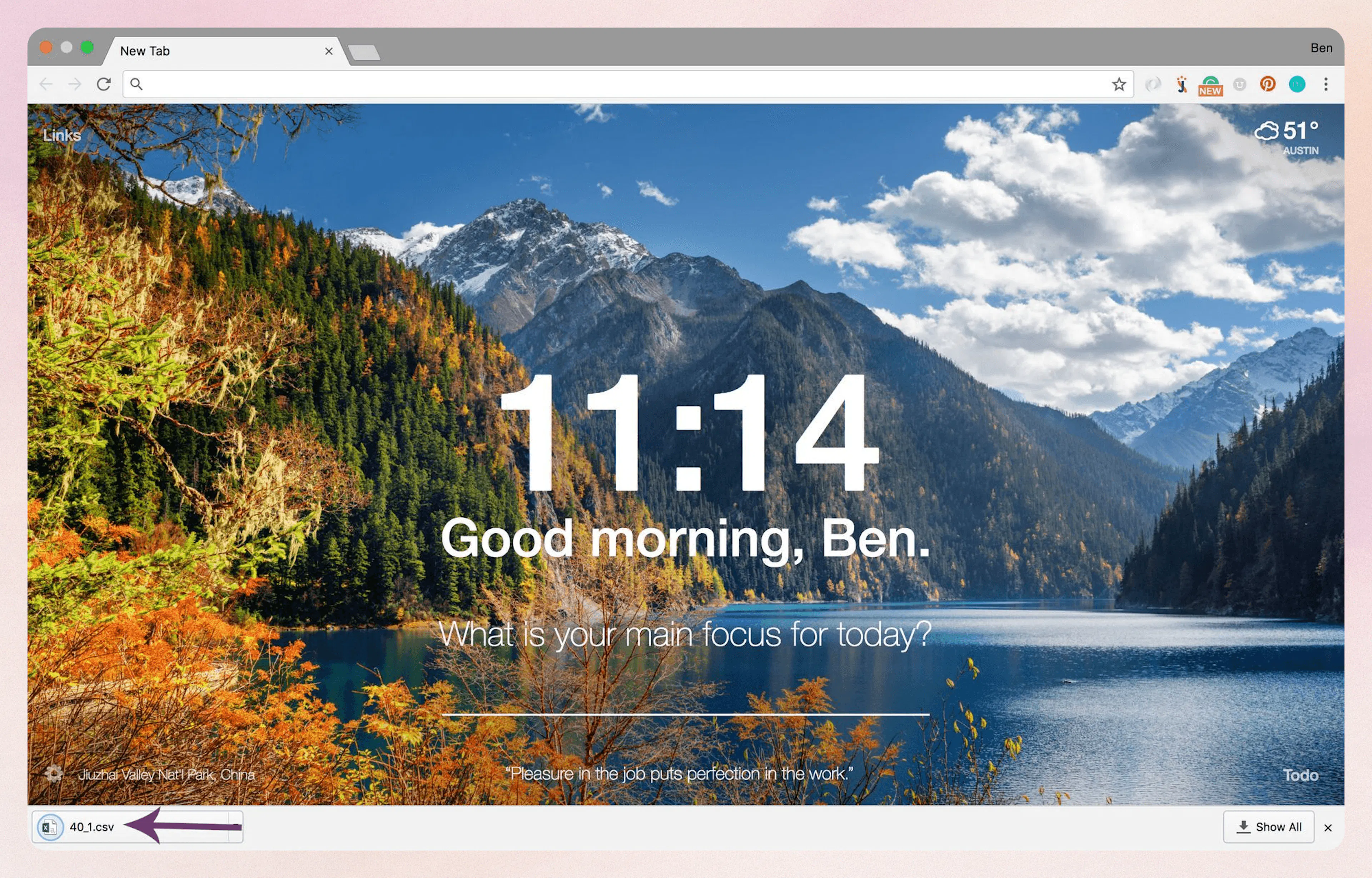
Hit Enter to trigger the download. Then enjoy your dataset!
Was this page helpful?